Browse to the Ask iManage page. For instructions about how to access Ask iManage page, refer to Accessing Ask iManage main page.
Select
 New chat to open the Ask iManage page from where you can ask questions to the entire iManage Work repository.
 In the Ask anything about your content field, enter the question you want to ask.
Figure: Asking questions in iManage Work repository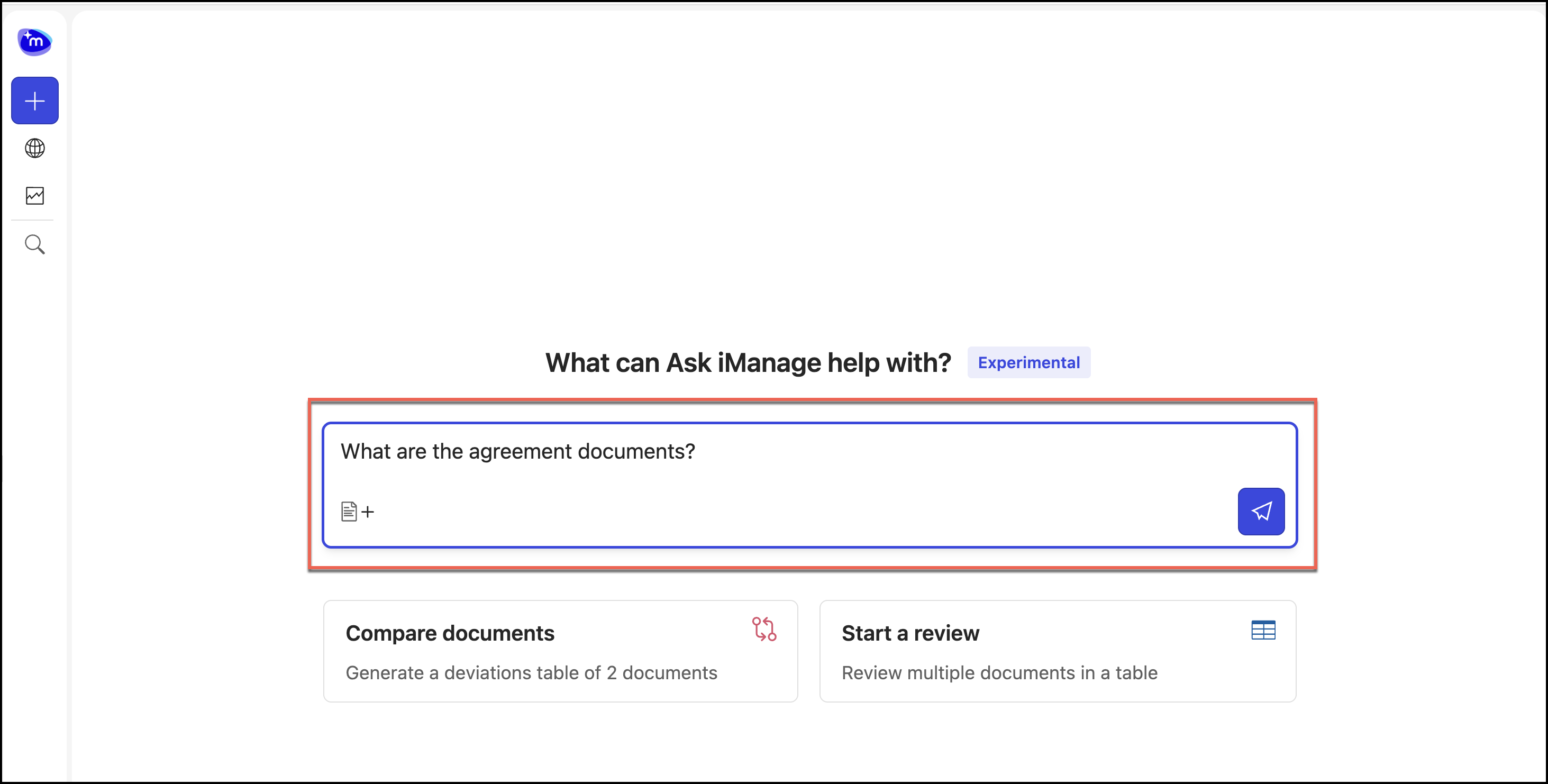
The answers are displayed as shown in the following figure.
Figure: Answers displayed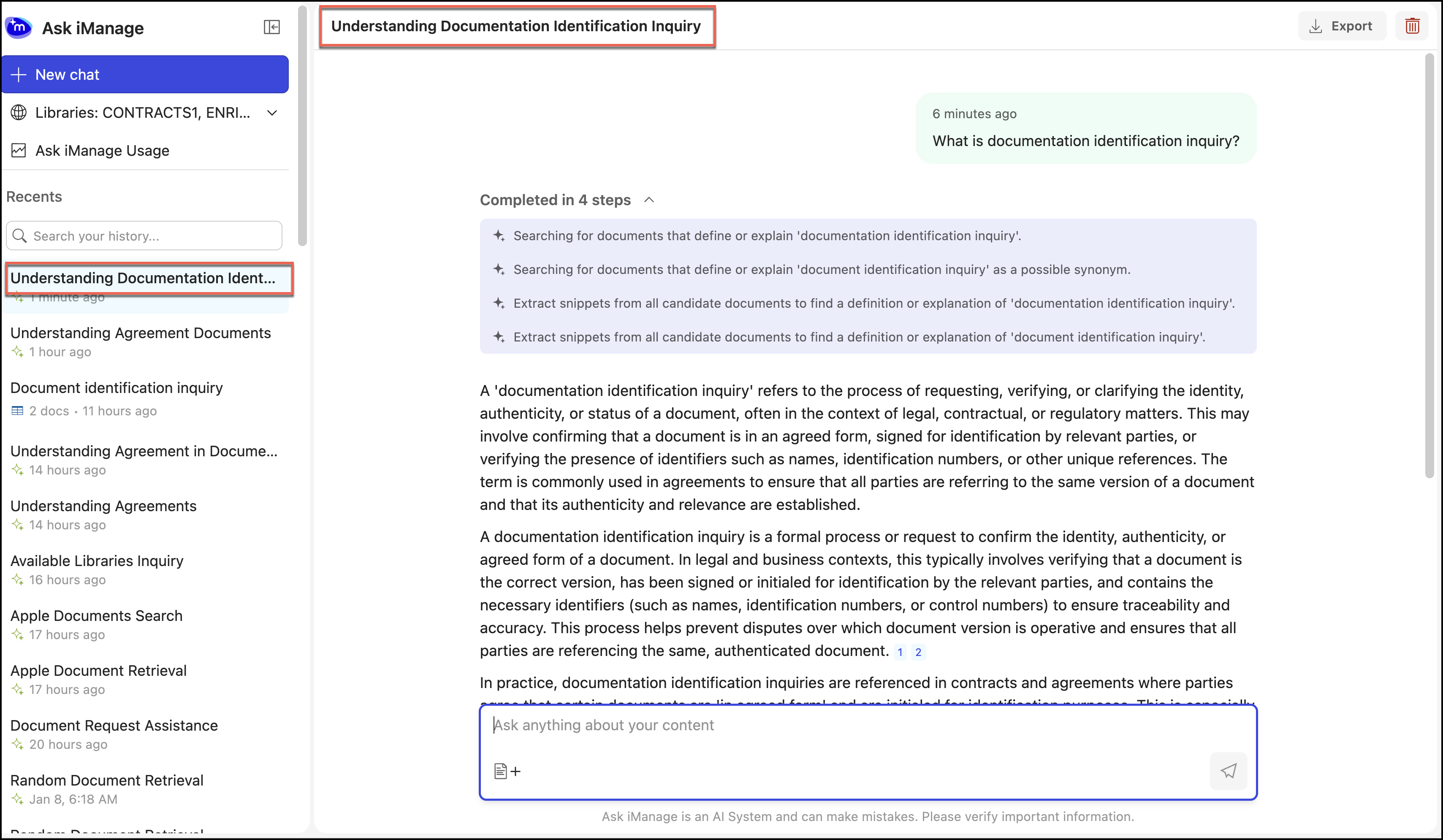
Ask iManage automatically saves your questions based on the first action taken within it. You can access this question for future use and ask additional questions.