To export a chat:
Browse and open Ask iManage home page. For instructions, refer to Accessing Ask iManage home page.
Hover over the iManage icon and select
Expand sidebar to view all the conversations saved.
Figure: View all conversations asked across iManage Work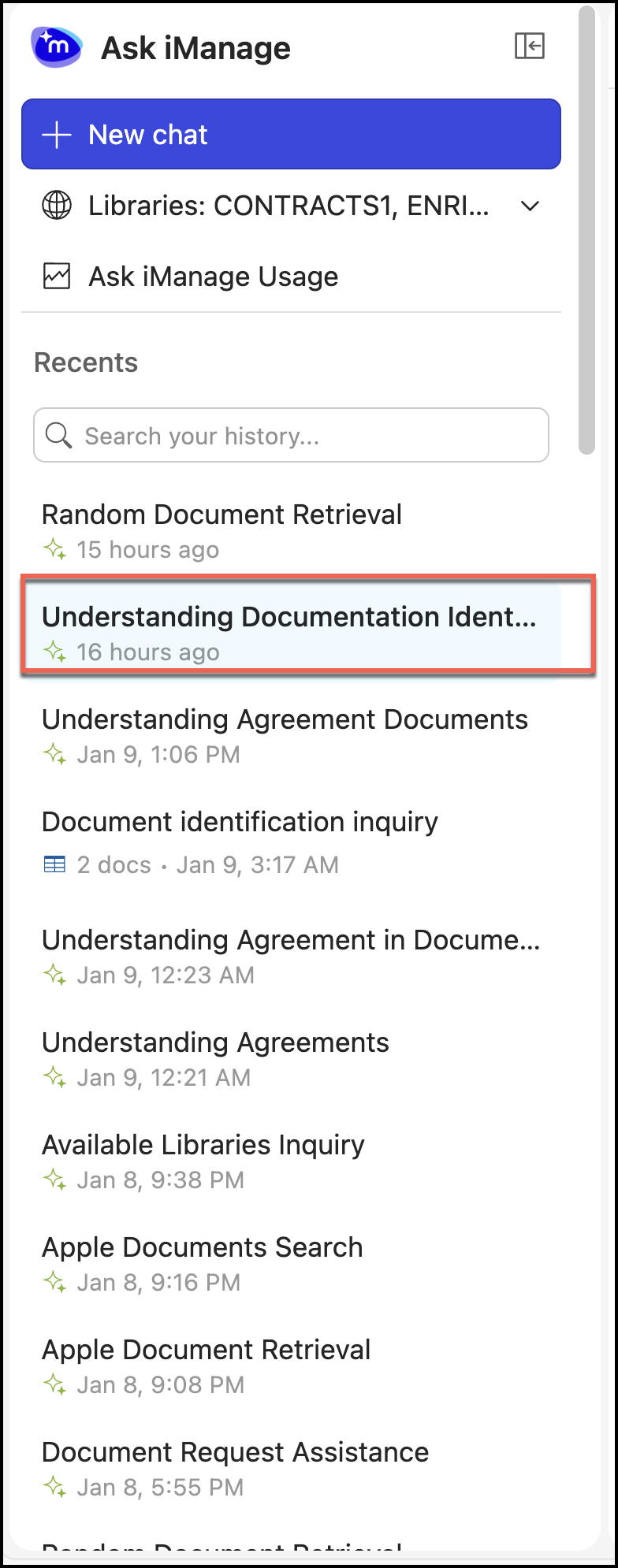
Select and open a chat.
Select Export in the top-right corner of the page.
Figure: Exporting a chat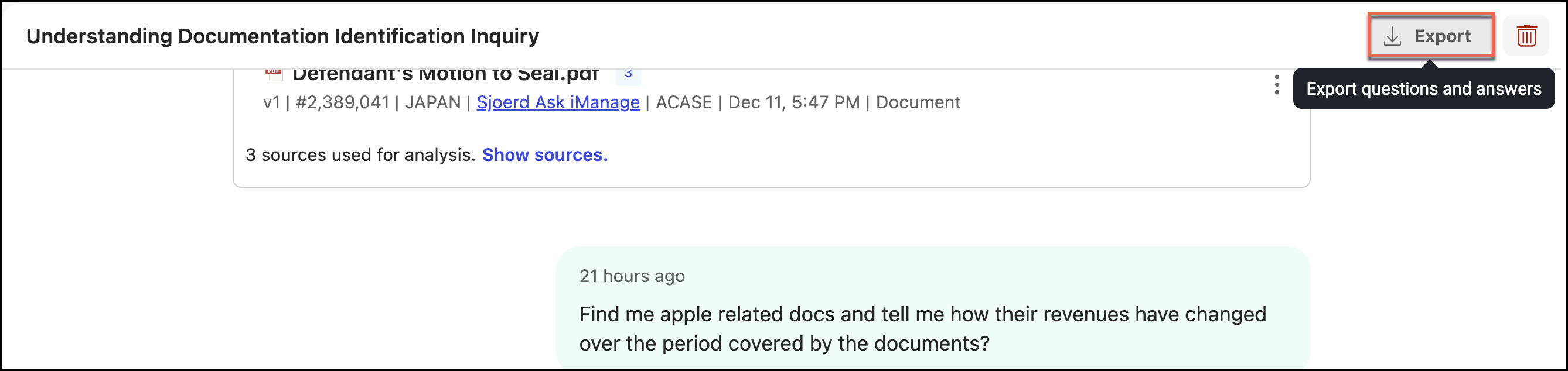
Select one of the following options.
Figure: Selecting a option for export
The chat is downloaded to your device.