Question lists allow you to create, collaborate, manage, and share lists of questions and requests in Microsoft Word.
To ask a question from question list, do the following:
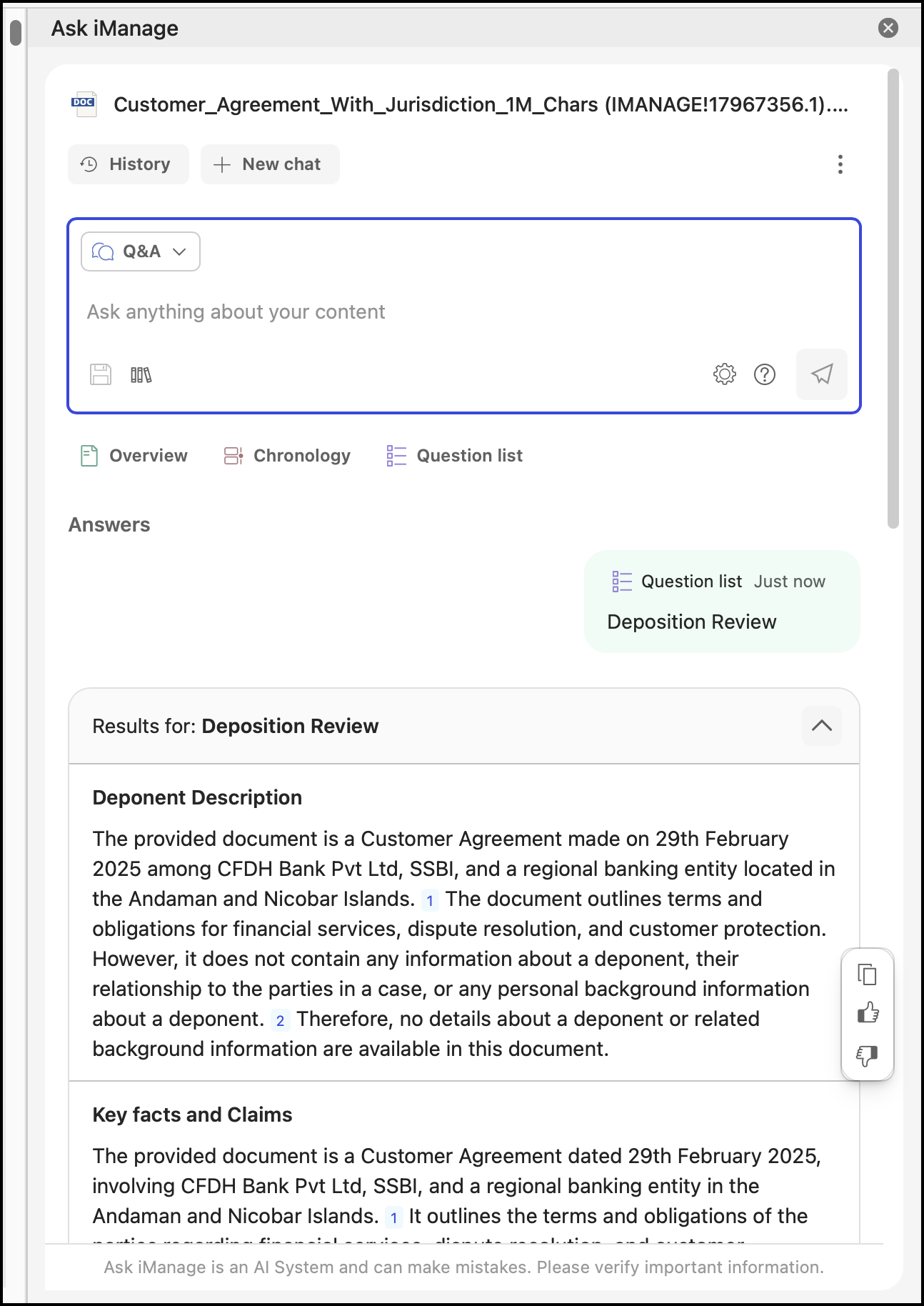
In Ask iManage panel in Microsoft Word, select Question list.
To select a question list:
From the listed question lists, select the question list you want. Scroll down to browse through the question list.
In Search for a question list, enter the name of the question list you want. As you enter the name, the system will refine the results in the drop-down list, helping you select the required question list.
Select the All drop-down menu, to refine the question list to be displayed in the Select question list drop-down. You can choose between All, Organization, Favorites, and Personal.
Ask iManage starts reading through the document and generates answers. Note that it may take a few minutes for the answers to get generated.
Additionally, you can add, edit, delete, export, and mark a question list as a favorite in Microsoft Word. For more information, refer to Working with question lists and questions.