The Access Policies tab contains the MCP Access Policies section that lets you create and manage access policies that control which tools are available for the various iManage MCP services in different MCP-enabled clients.
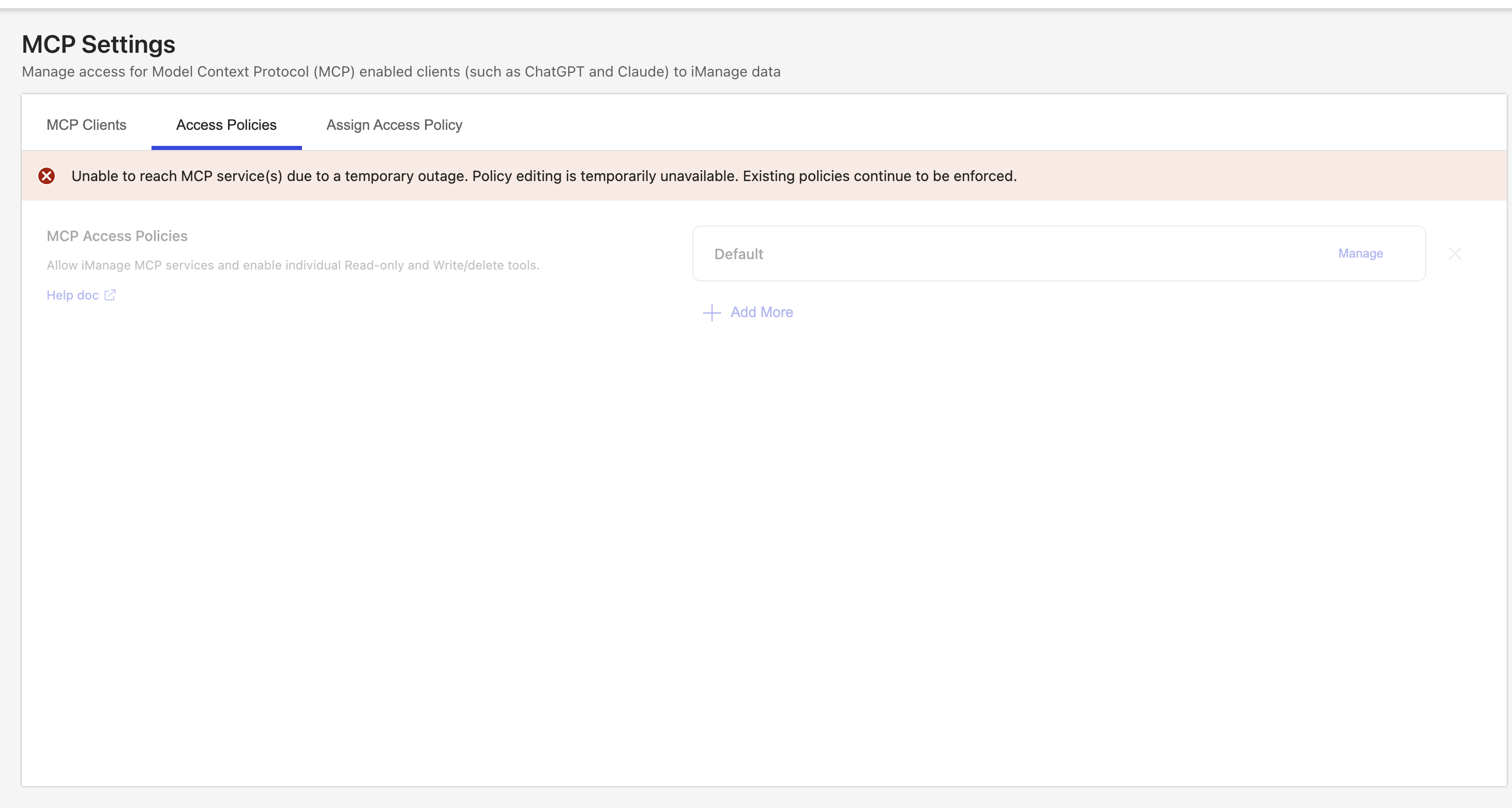
CAUTION: If iManage MCP services are temporarily unavailable, the Access Policies tab is disabled and the following message is displayed. Existing policies continue to be enforced, and you can resume editing after the services reconnect.
Figure: Services outage message