All records scheduled to be destroyed are no longer available in iManage Work. You can view all records marked as destroyed by using the Destroyed records option in iManage Disposition Manager.
If you've scheduled a record to be destroyed and iManage Work at cloudimange.com hasn’t destroyed the record yet, the status is displayed as Queued. After the record is destroyed, the status changes to Destroyed.
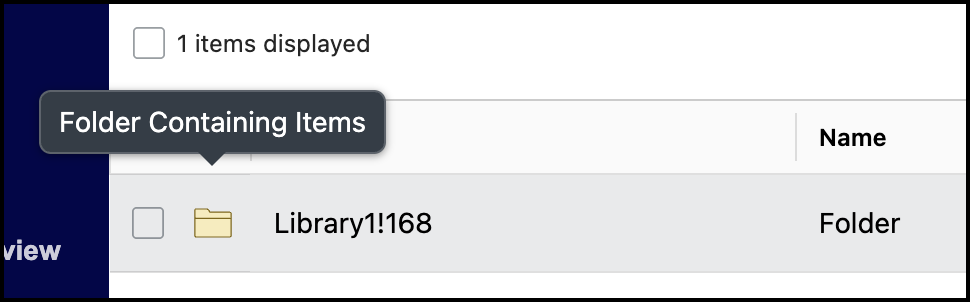
When Records Managers hover over a folder icon that contains files, the tooltip displays Folder Contains items.
Viewing destroyed records
To view destroyed records:
In the left navigation pane, select Destroyed Records.
Figure: Select Destroyed Records option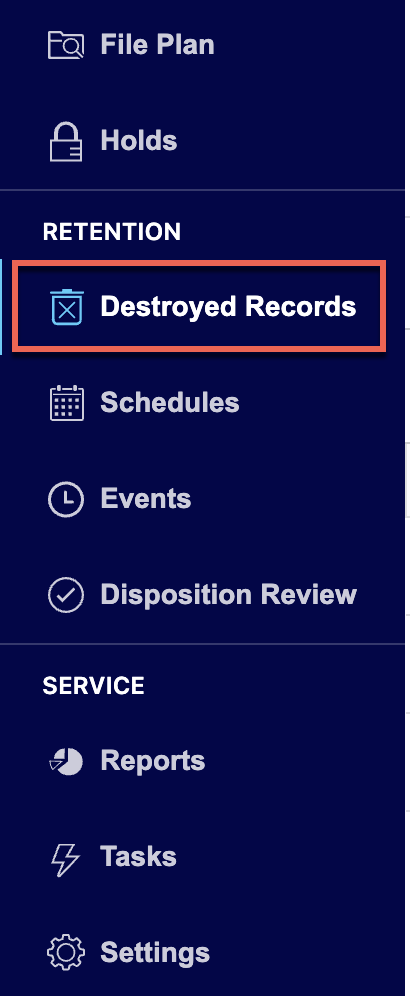
Browse to the folder for which you want to view the destroyed records. All records that are destroyed are displayed:
Figure: Destroyed records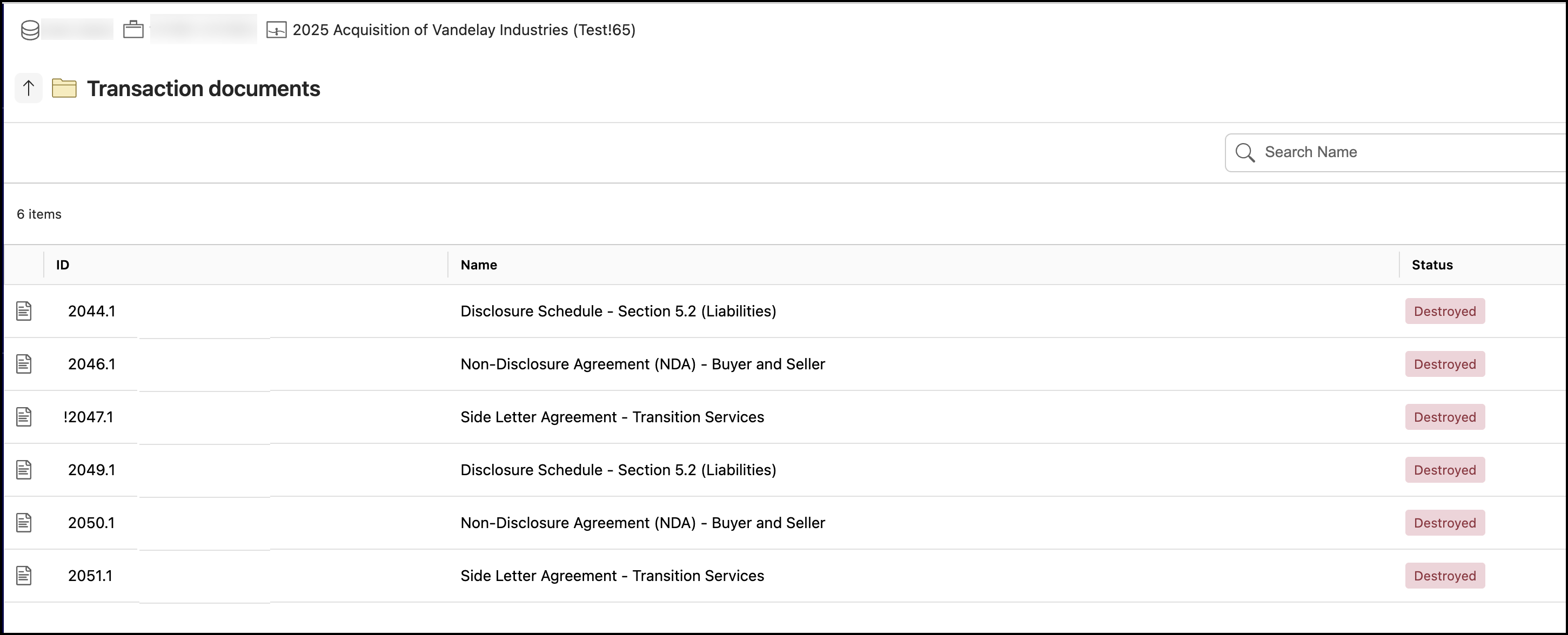
Viewing folder or file properties
In the left navigation pane, select Destroyed Records.
Figure: Select Destroyed RecordsBrowse to the folder or file for which you want to view the properties.
Select the kebab
 menu next to the folder or file for which you want to view the properties. Figure: Select Properties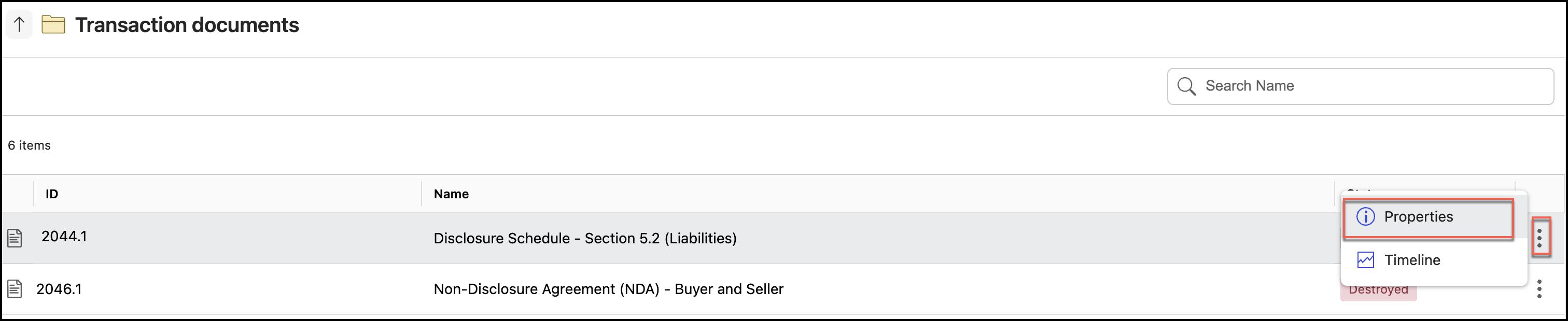
The Properties panel is displayed as shown in the following figure:
Figure: Properties panel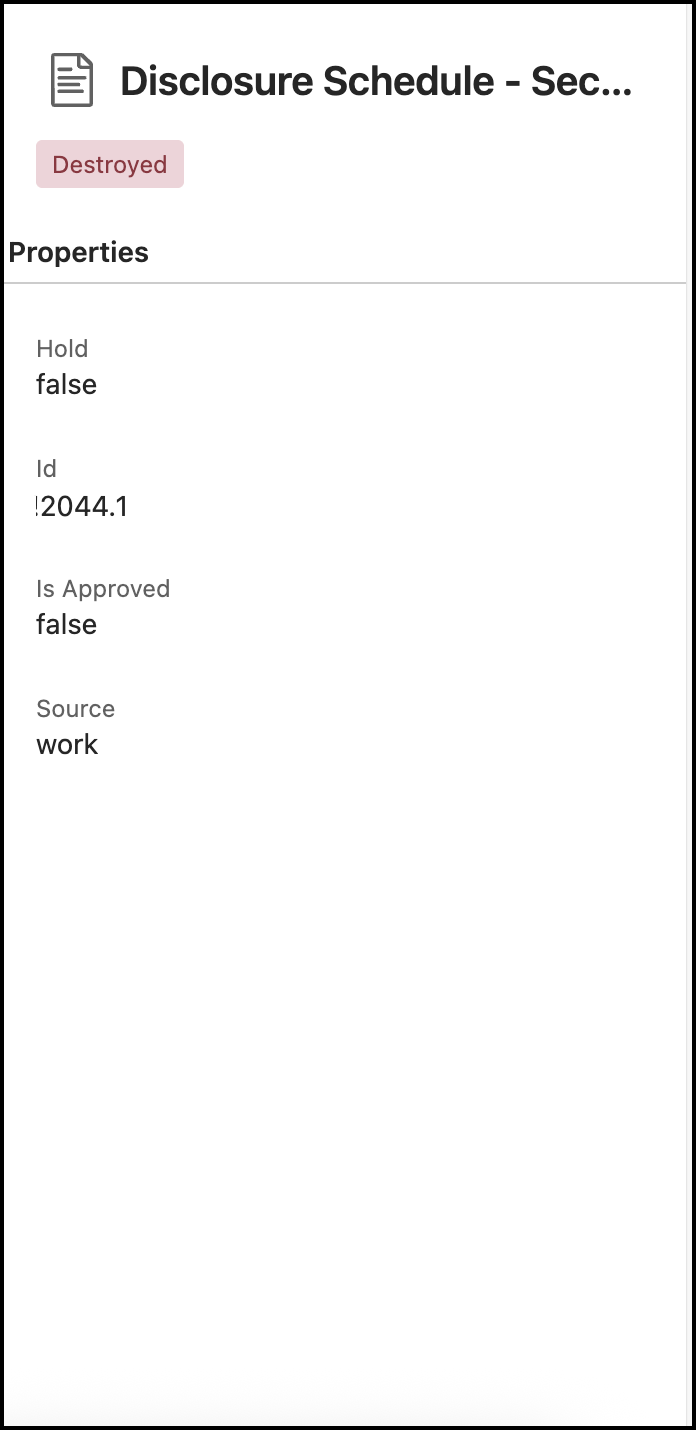
Viewing folder or file timelines
In the left navigation pane, select Destroyed Records.
Figure: Selecting Destroyed RecordsBrowse to the folder or file for which you want to view the timelines.
Select the kebab
menu next to the folder or file for which you want to view the timelines.Figure: Select Timelines option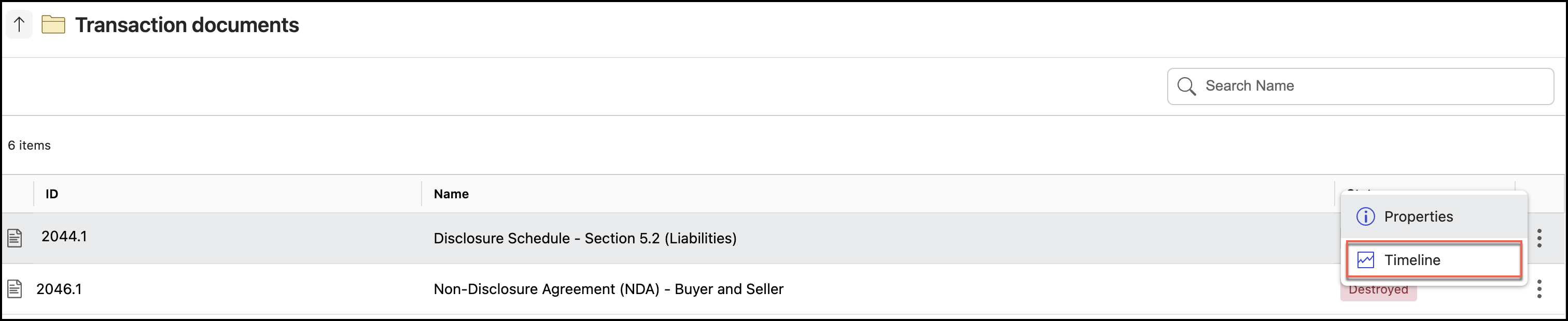
The timelines are displayed as shown in the following figure:
Figure: Timelines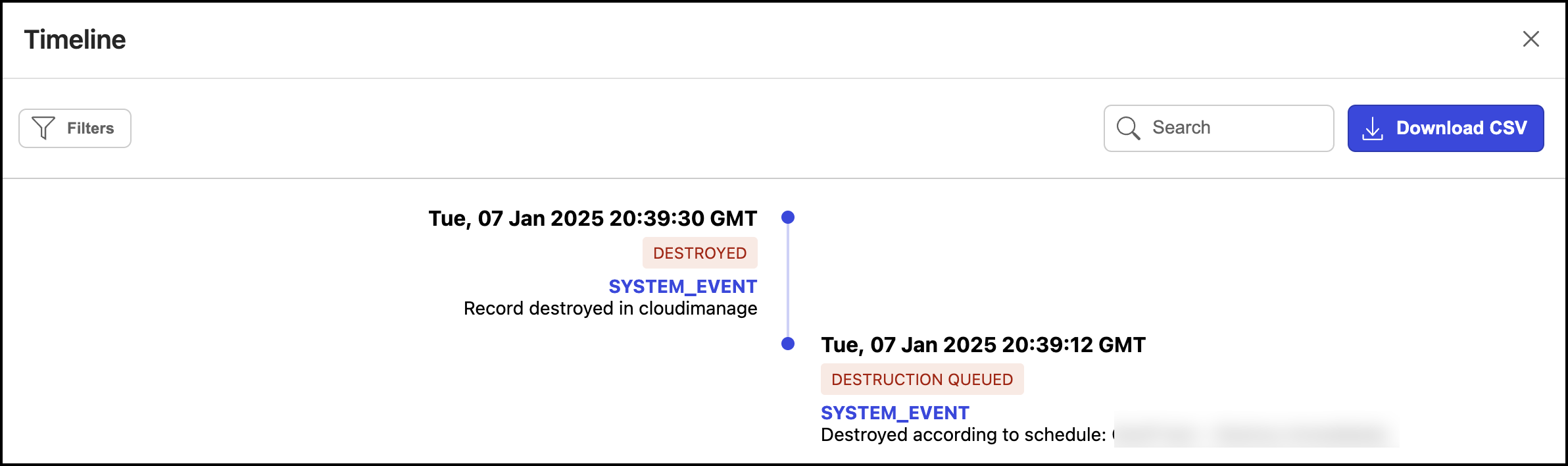
For more information about timelines, refer to Viewing timeline entries.