Editing schedules
In the left pane, under Retention, select Schedules.
Figure: Select Schedules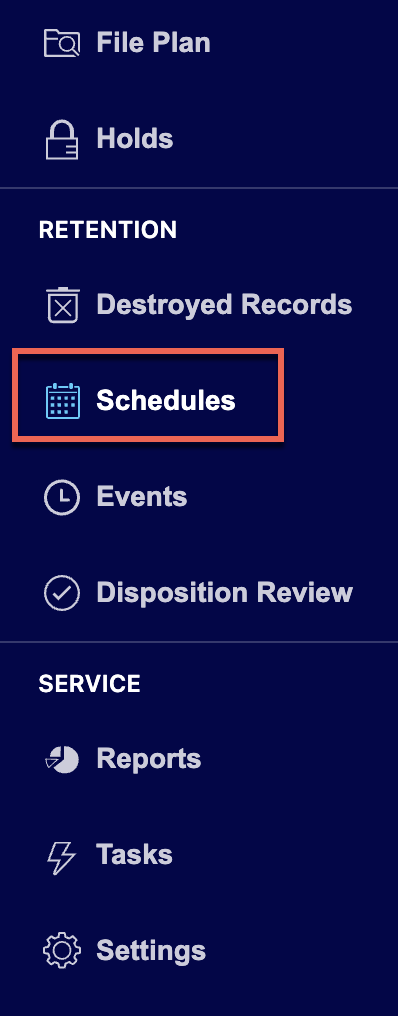
Select the
 icon for the schedule you want to edit and then select Edit. Figure: Select Edit to edit the schedule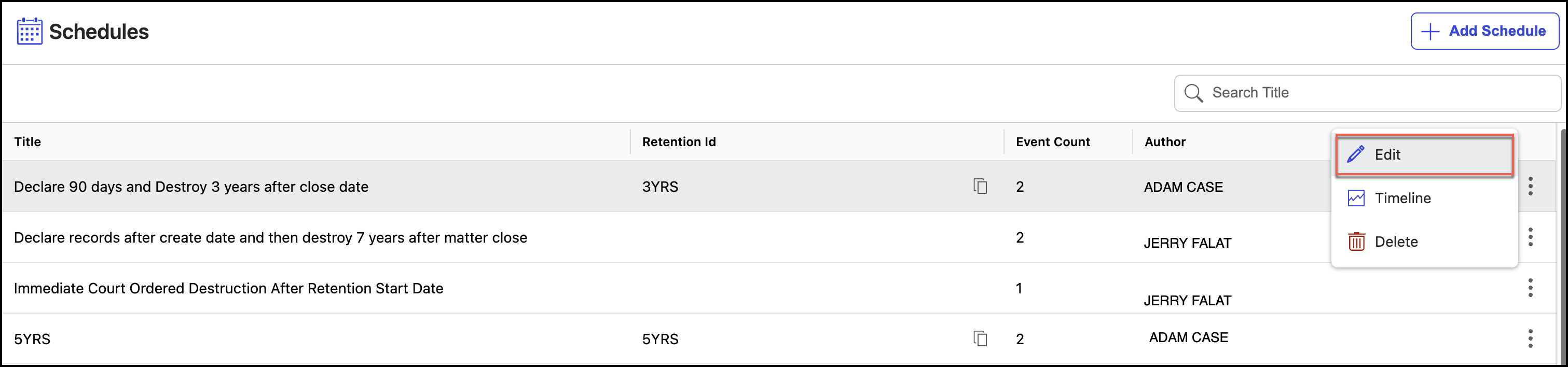
In the Edit Schedule dialog, make the necessary changes to the schedule.
Figure: Edit a schedule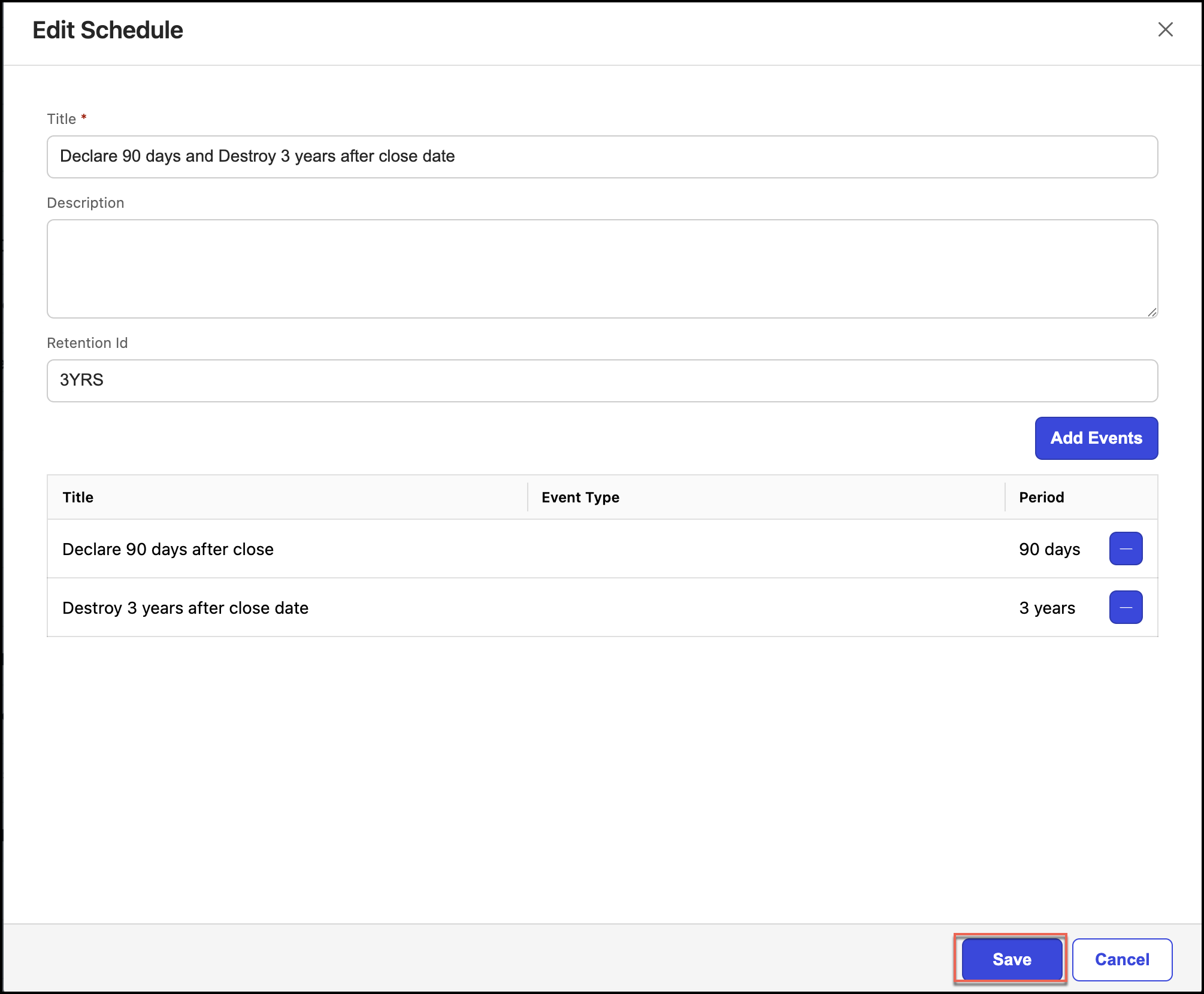
Select Save.
Deleting schedules
To delete a schedule:
Under Retention, select Schedules.
Select the
icon for the schedule you want to delete and then select Delete. Figure: Select a schedule to delete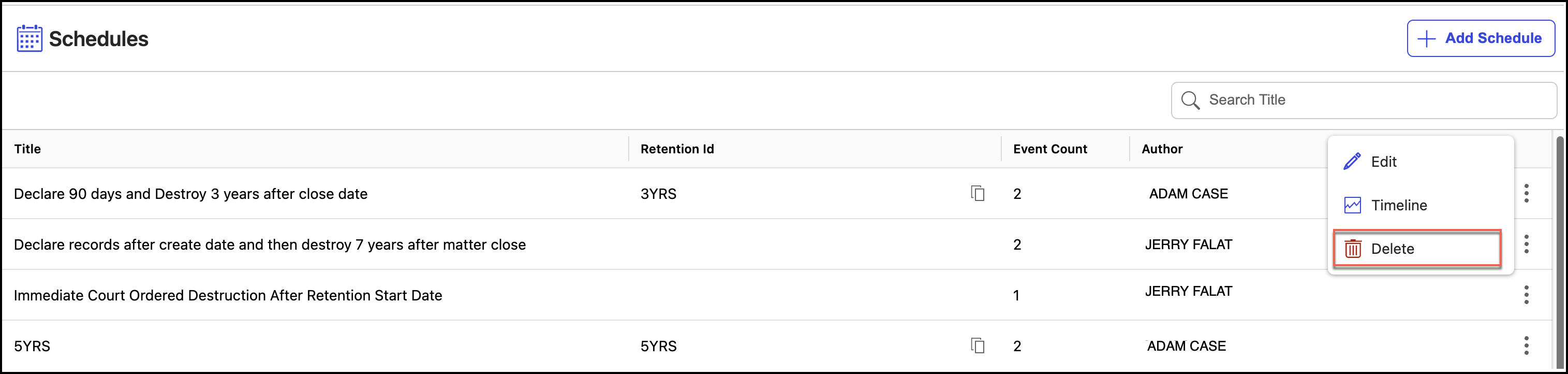
In the Delete Schedule dialog, select Confirm to delete the schedule.
Figure: Confirm deletion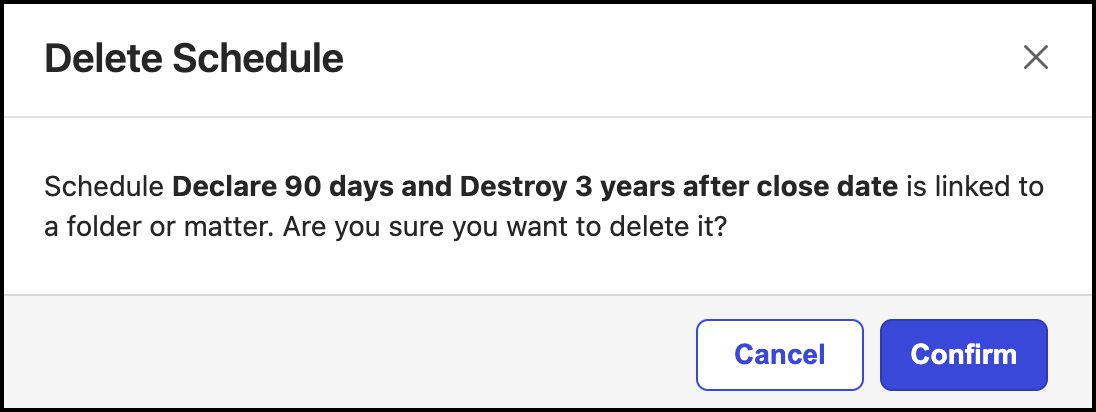
NOTE: If the schedule is added to a workspace, folder, or subfolder, check before deleting the schedule. If schedules are deleted, the workspaces, folders, or subfolders to which these schedules were added aren't processed.