In Review Mode, if Items are not destroyed until approval is received by an authorized reviewer is selected, as a Records Manager, you can approve or deny tasks by doing the following:
In the left view pane, under Retention, select Disposition Review.
Figure: Select Disposition Review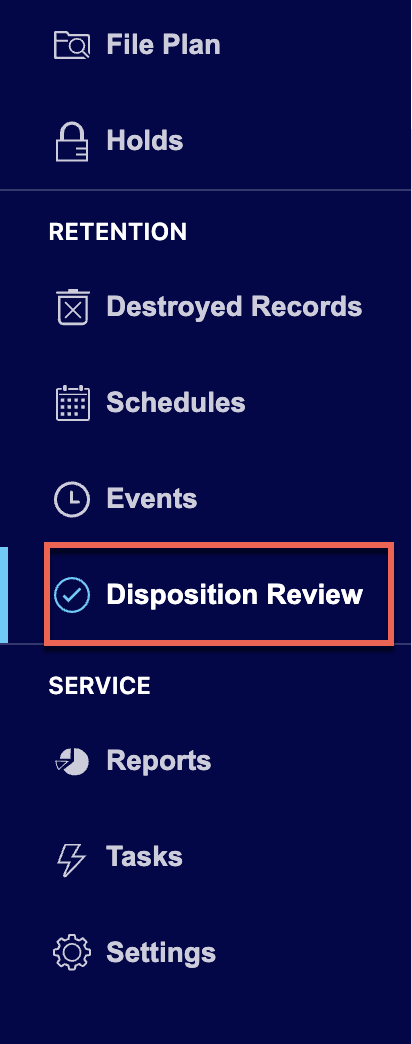
Select the
 icon next to the task you want to approve or deny.
 (Optional) Select Filters to filter the tasks as required.
Do one of the following:
Select Approve to approve the task. The status changes to Approved.
Figure: Select Approve to approve tasks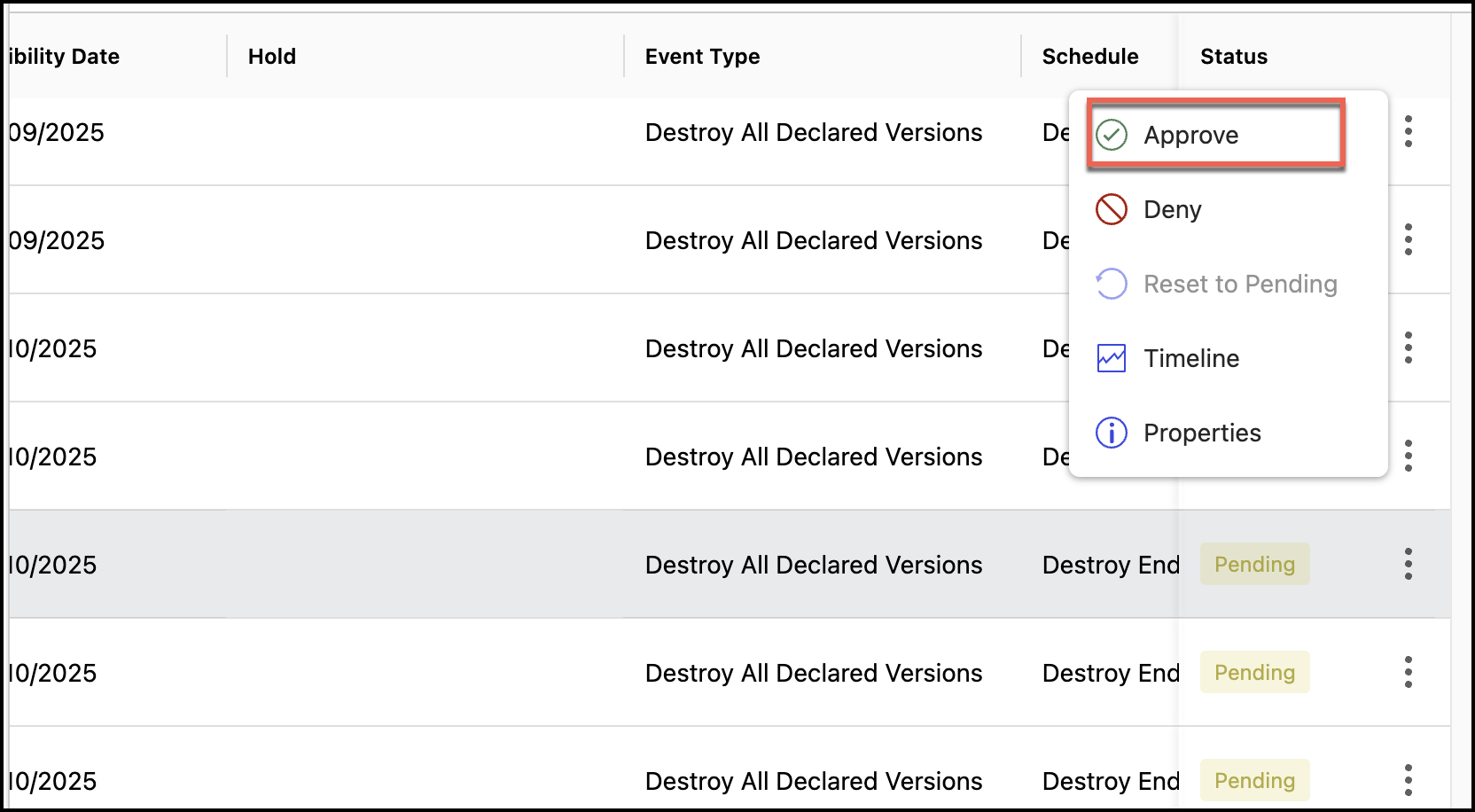
Select Deny to deny the task.
Figure: Select Deny to deny tasks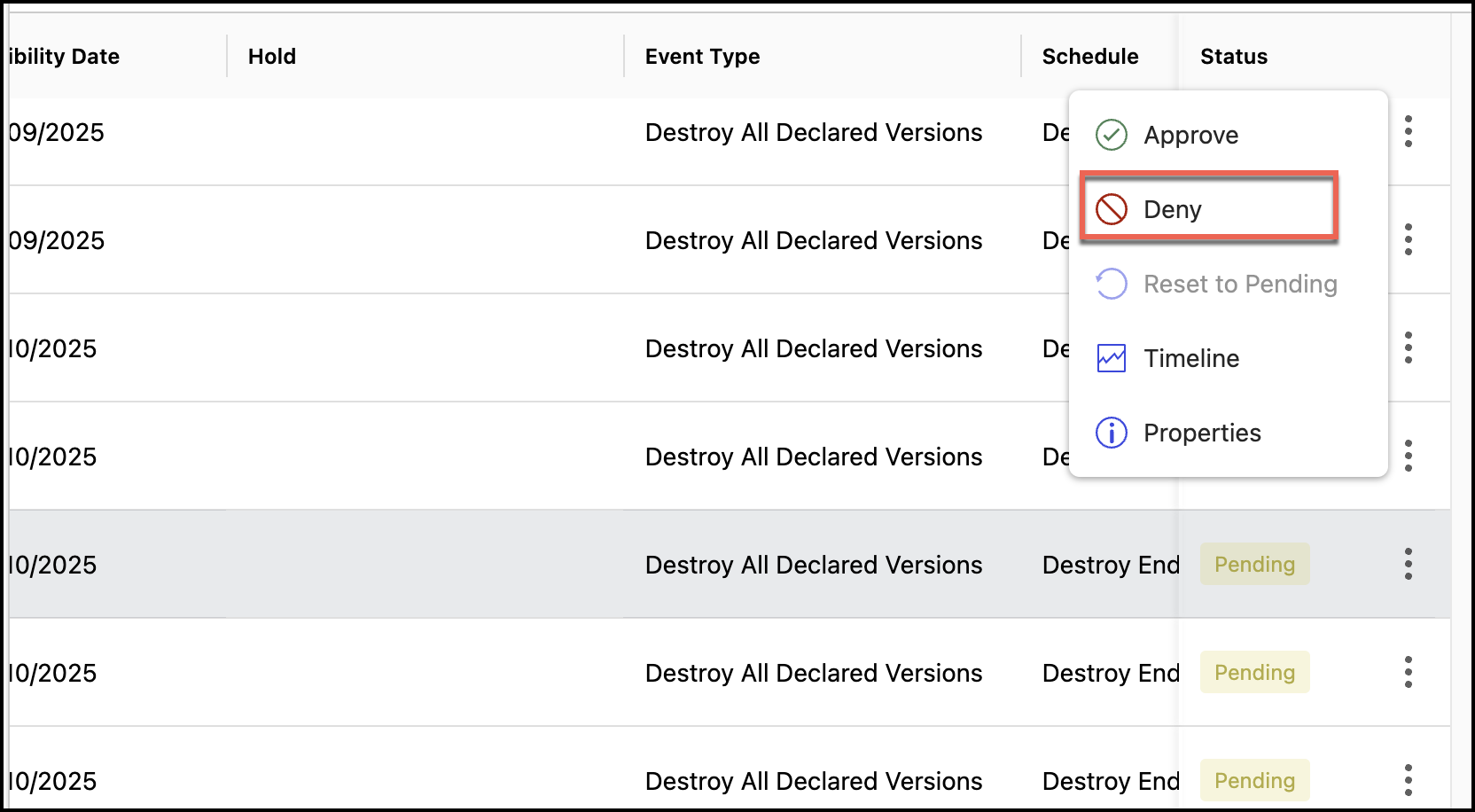
Enter the reason for denying the task and select Yes, Deny.
Figure: Enter the reason for denial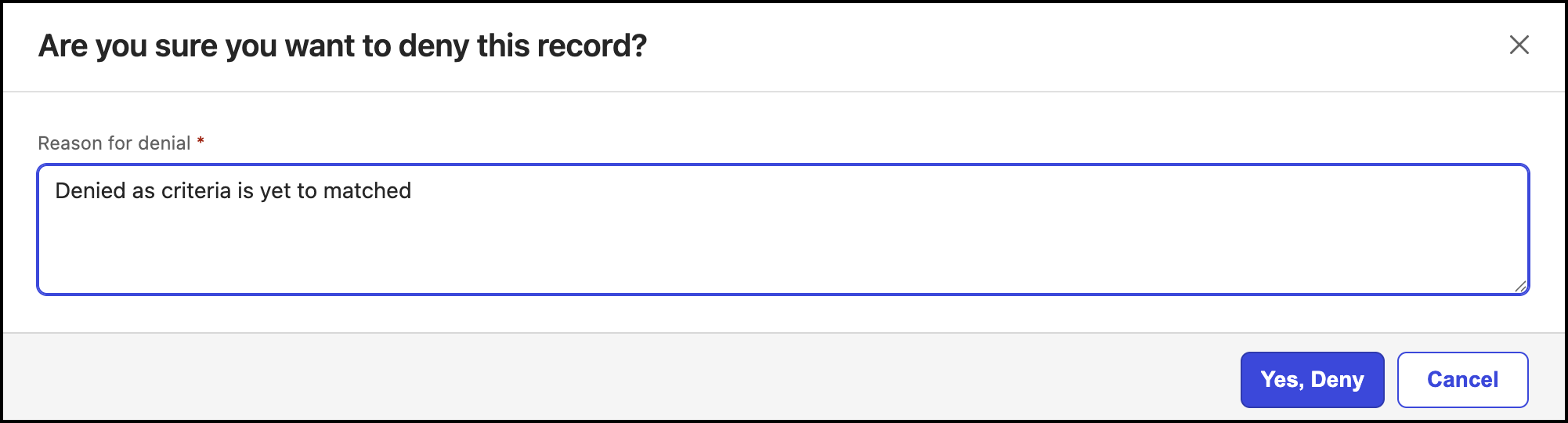
The status of the task changes to Denied.
(Optional) As a Records Manager, you can:
Select the
 icon for the task that's approved and select Deny to deny the task.
 Select the
icon for the task that's approved or denied and select Reset to Pending to change the status to Pending.