In Review Mode, if Item destruction is pre-approved unless denied by an authorized reviewer is selected, as a Disposition Reviewer, you can deny tasks that are already pre-approved.
If Disposition Reviewer doesn’t deny the task, the tasks will be destroyed on the eligibility date and records that are destroyed can’t be retrieved once processed.
In an email notification you’ve received, select the link to open the Disposition Review page. Sign in to the application, if prompted.
Alternatively, access the left view pane in the application and select Retention > Disposition Review.Figure: Select Disposition Review
(Optional) Select Filters to filter the tasks as required.
Select the
 icon next to the task you want to deny and then select Deny.Figure: Deny pre-approved tasks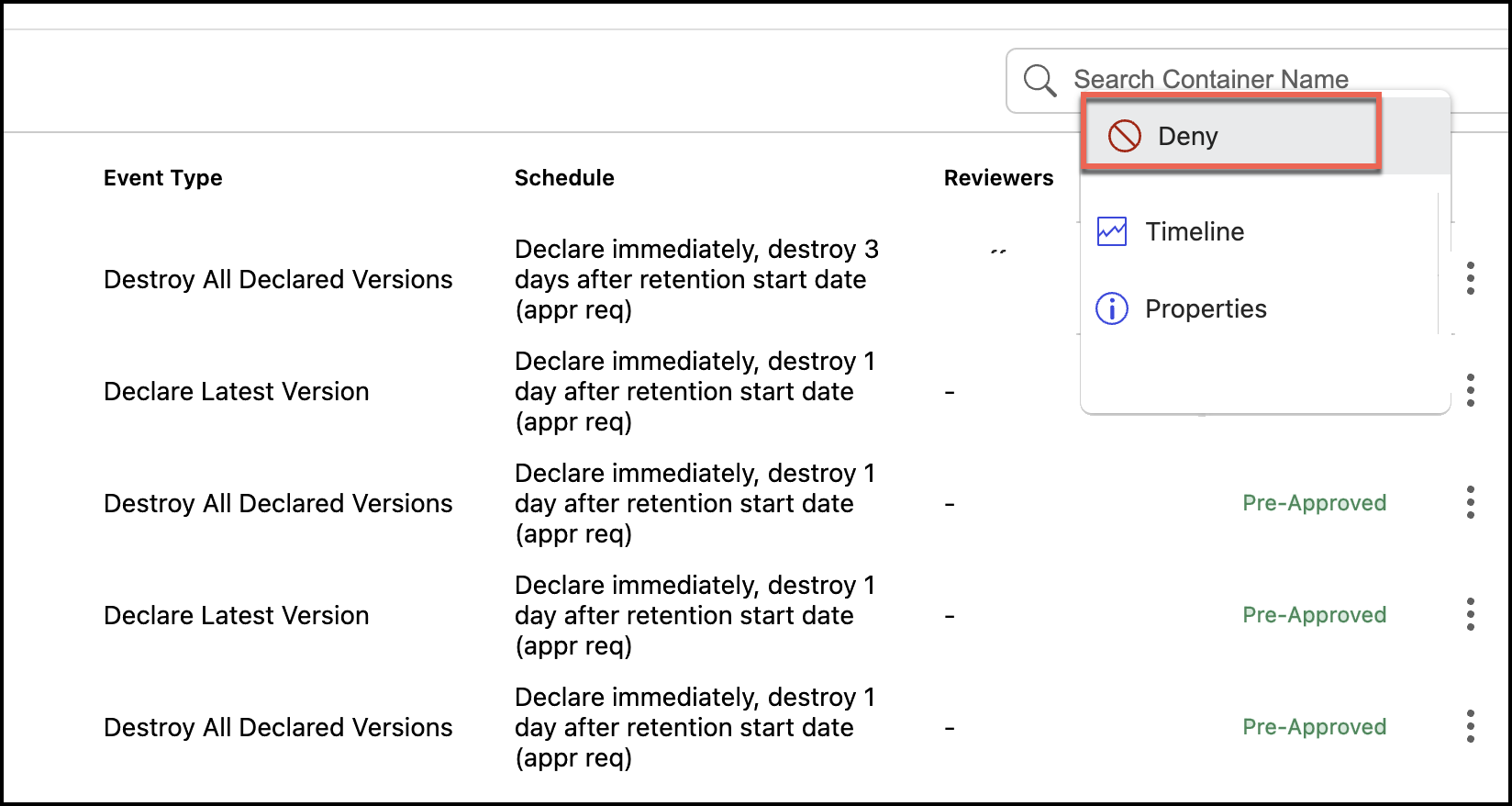
Enter the reason for denying the task and select Yes, Deny.
Figure: Enter the reason for denial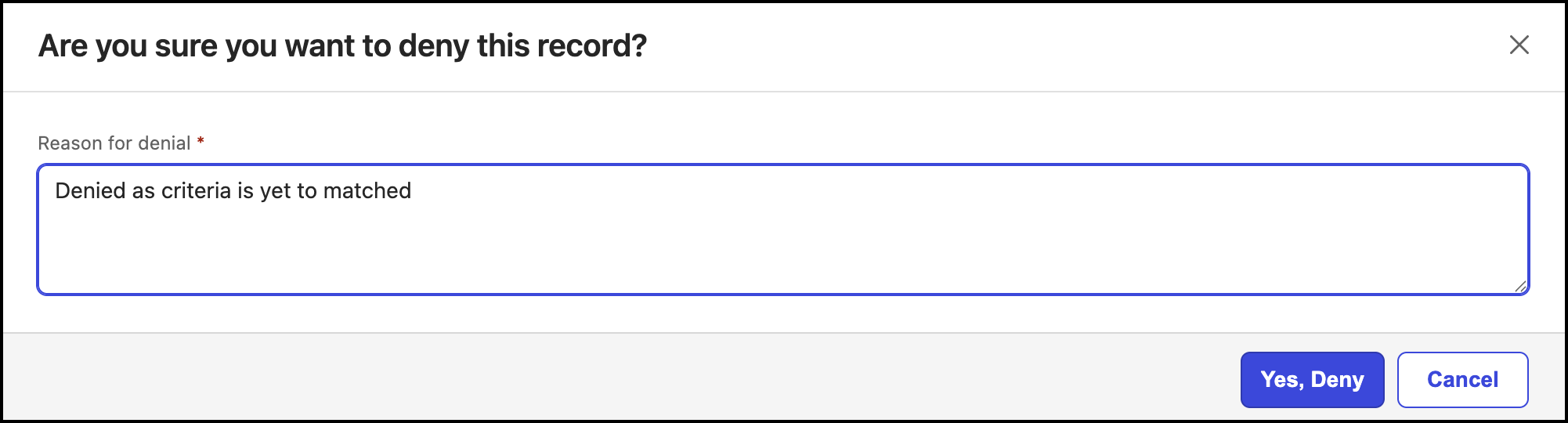
The status of the task changes to Denied.