In Review Mode, if Item destruction is pre-approved unless denied by an authorized reviewer is selected, as a Records Manager, you can deny tasks that are already pre-approved.
In the email notifications received, select the link to open the Disposition Review page (sign into the application, if prompted).
Alternatively, in the application, access left view pane > Retention > Disposition Review.Figure: Selecting Disposition Review
(Optional) Select Filter to filter the tasks as required.
Select the
 kebab menu next to the task you want to deny and then select Deny.Figure: Denying pre-approved tasks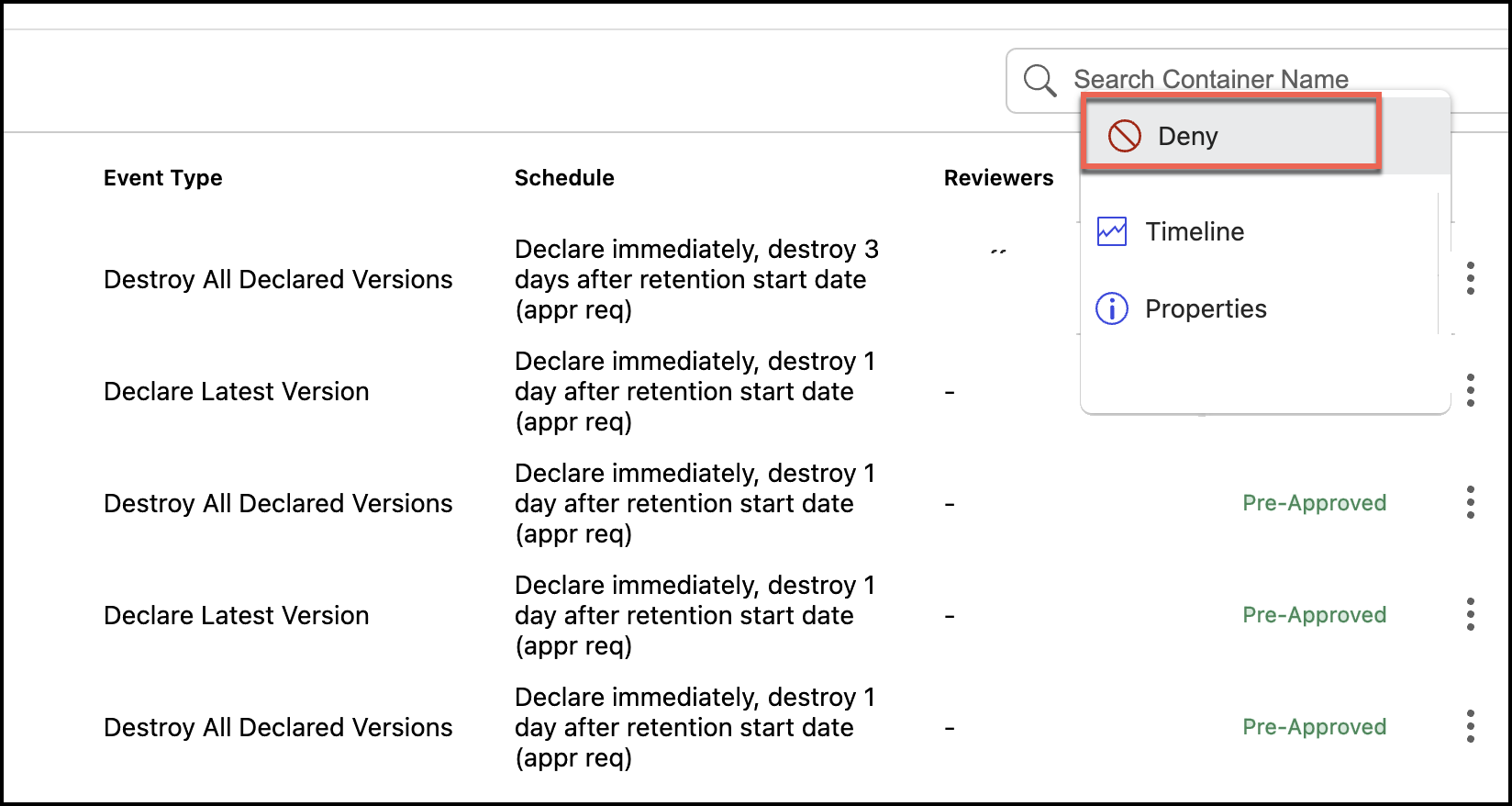
Enter the reason for denying the task and select Yes, Deny.
Figure: Enter the reason for denial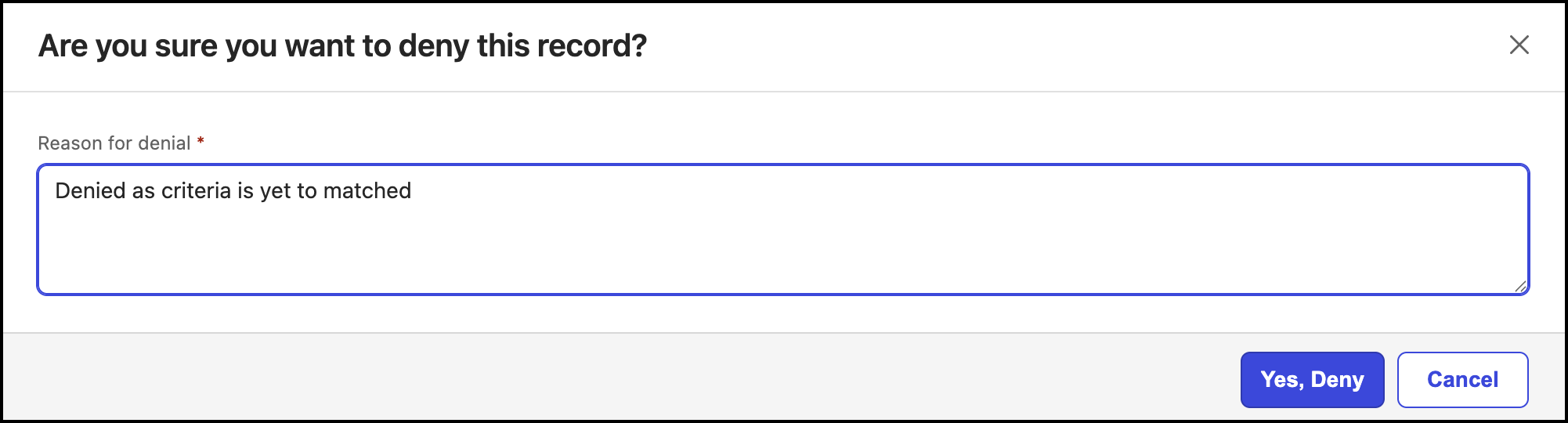
The status of the tasks changed to Denied.