All records destroyed are no longer available in iManage Work. You can view all records marked as destroyed by using the Destroyed Records option in iManage Disposition Manager. After the record is destroyed, the status displayed is Destroyed.
IMPORTANT: When records are destroyed, they're deleted from iManage Work at cloudimanage.com and can't be retrieved or restored.
Records aren't destroyed immediately when events to destroy records are created or added to a schedule, or applied to workspaces, folders, or subfolders. Records are destroyed when tasks defined by these destroy events are manually or automatically executed.
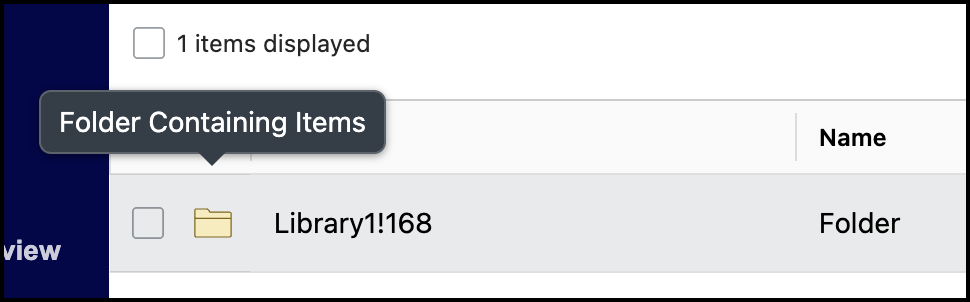
When Records Managers hover over a folder icon that contains files, the tooltip displays Folder Containing items.
Viewing destroyed records
To view destroyed records:
In the left navigation pane, select Destroyed Records.
Figure: Select Destroyed Records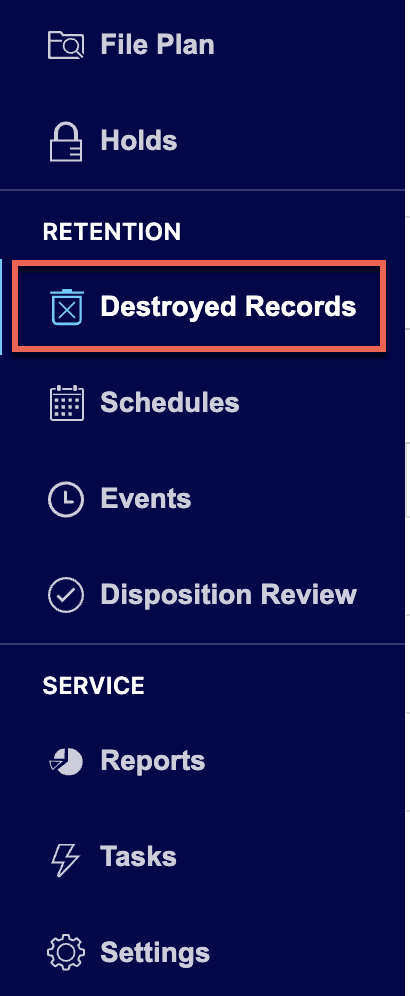
Browse to the folder for which you want to view the destroyed records. All records that are destroyed are displayed.
Figure: Destroyed records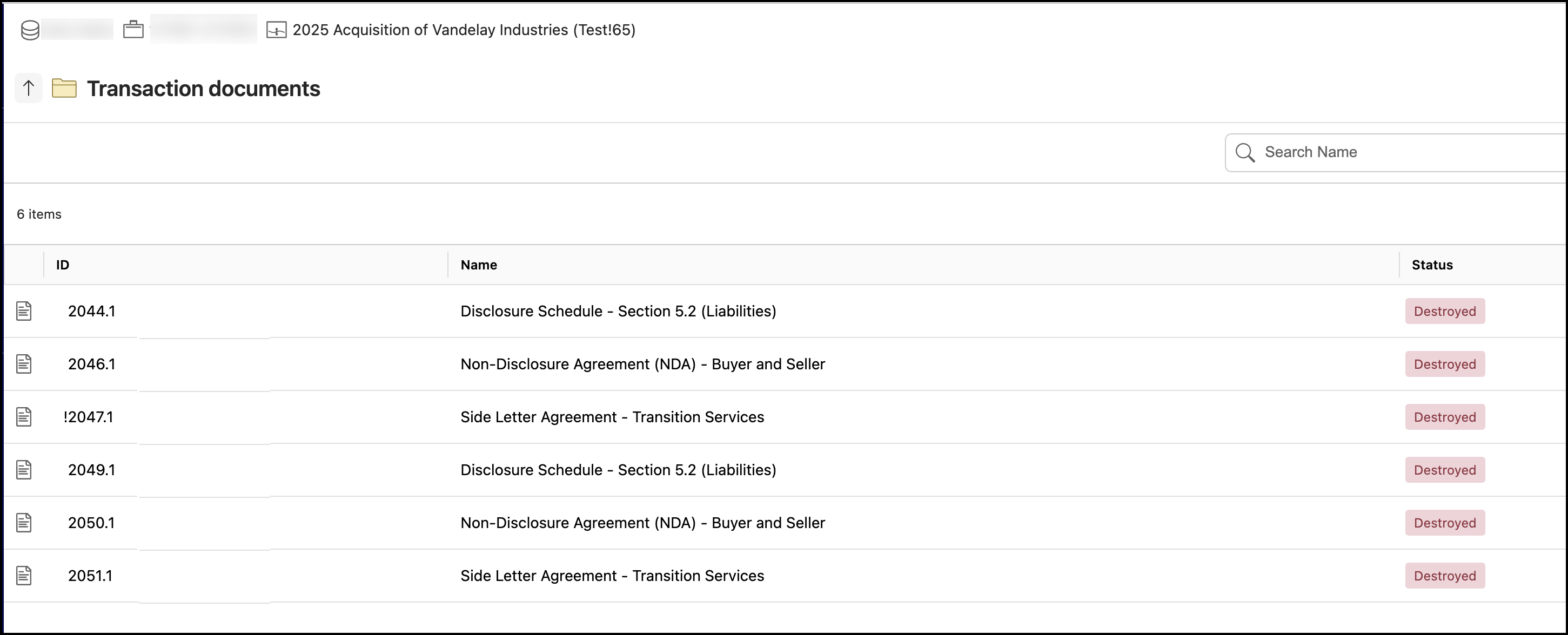
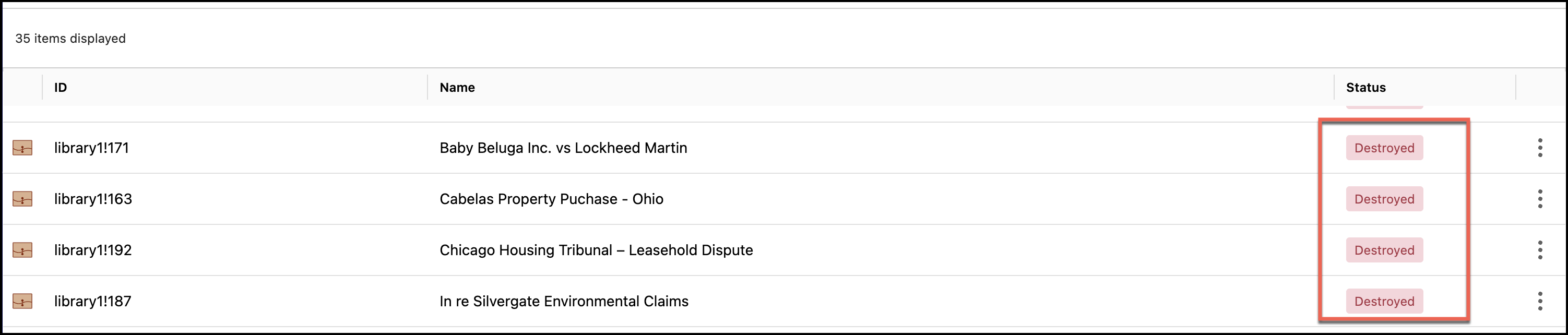
NOTE: Workspaces and folders in the Destroyed Records view now display the Destroyed status. This makes it easier to identify processed containers while retaining document-level navigation.
Viewing folder or file properties
In the left navigation pane, select Destroyed Records.
Browse to the folder or file for which you want to view the properties.
Select the
 icon next to the folder or file for which you want to view the properties and then select Properties. Figure: Select Properties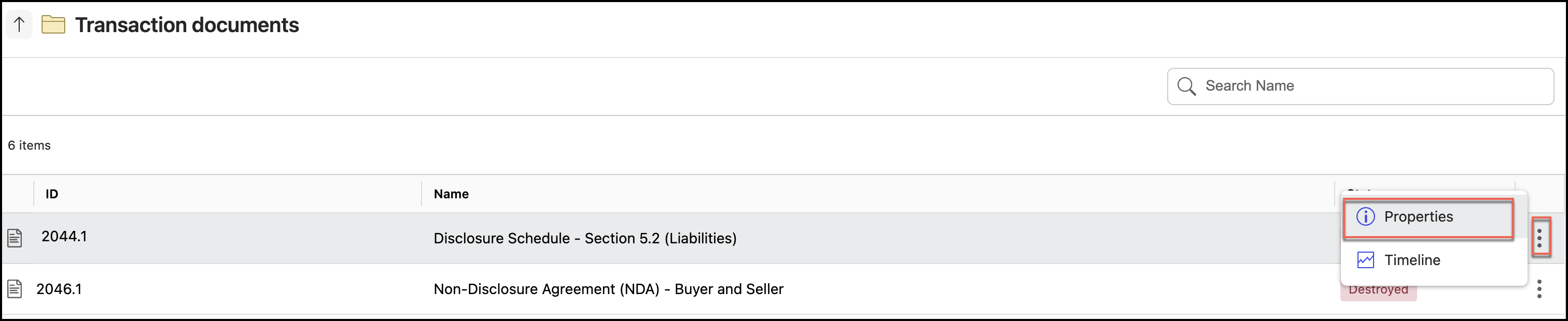
The Properties panel is displayed as shown in the following figure.
Figure: Properties panel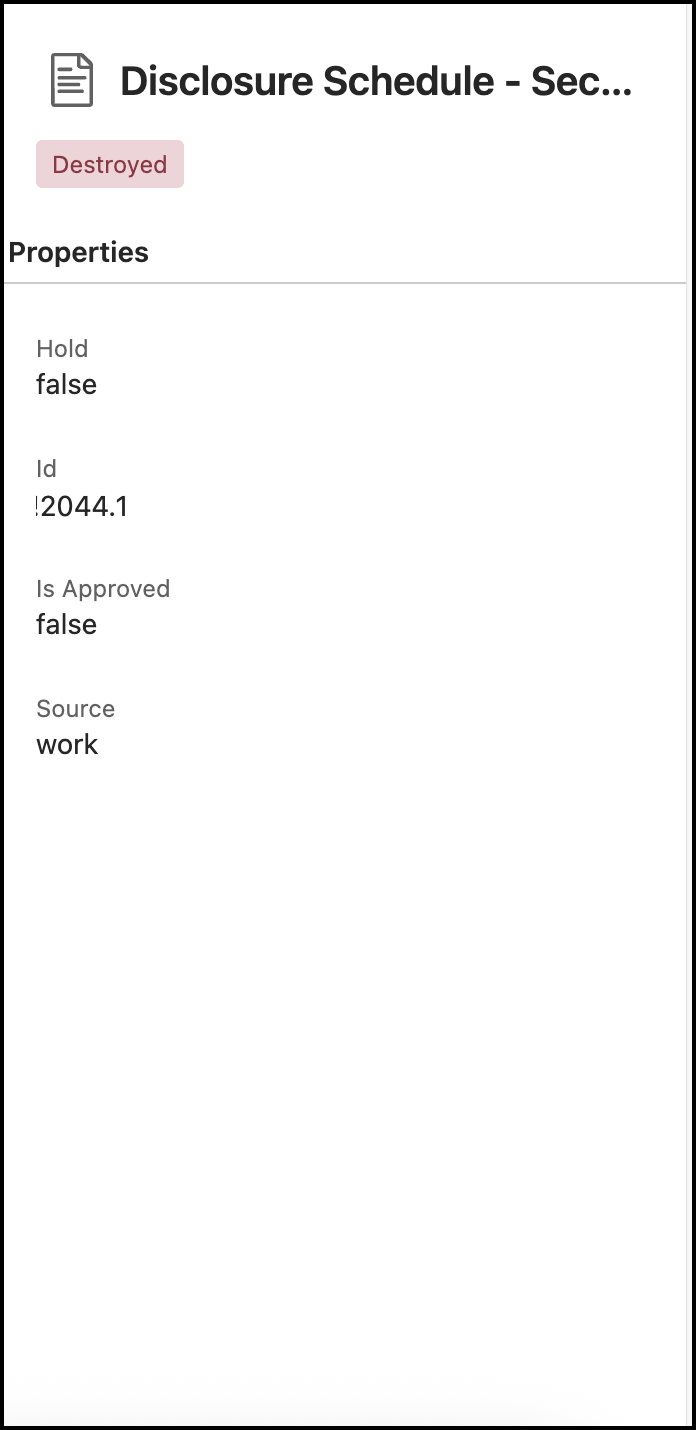
Viewing folder or file timelines
In the left navigation pane, select Destroyed Records.
Figure: Select Destroyed RecordsBrowse to the folder or file for which you want to view the timelines.
Select the
icon next to the folder or file for which you want to view the timelines and then select Timelines. Figure: Select Timelines option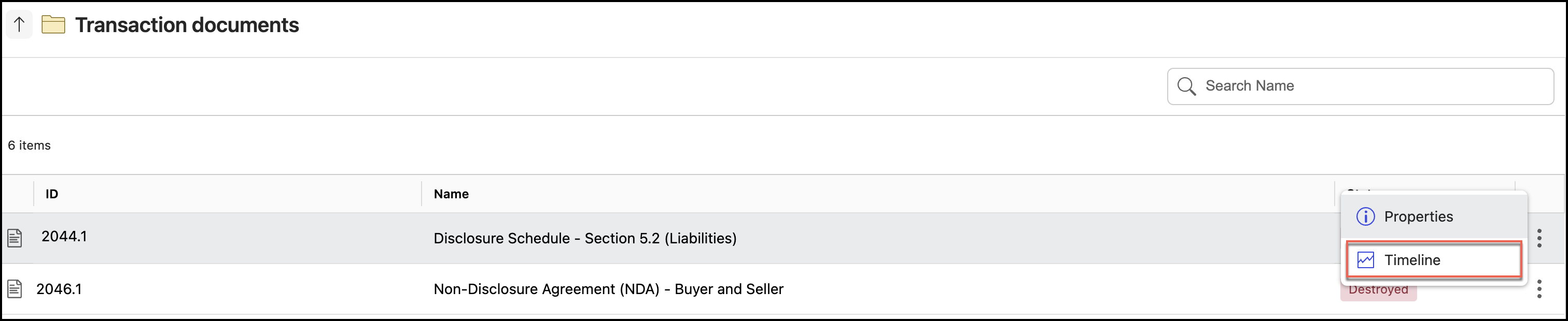
The timelines are displayed as shown in the following figure.
Figure: Timelines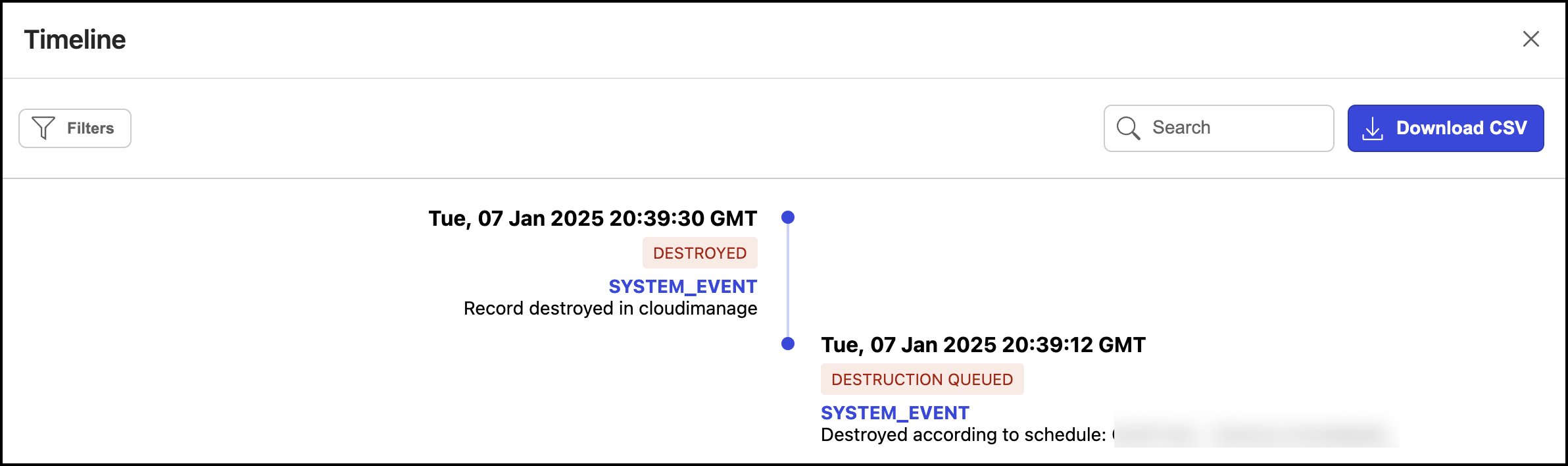
For more information about timelines, refer to Viewing timeline entries.