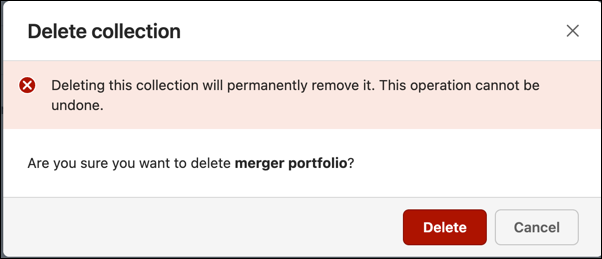
Deleting a collection depends on the state of the Knowledge Collection. A draft is discarded, while a published or unpublished collection is deleted.
NOTE: Deleting a Knowledge Collection permanently removes it, and it's no longer available for viewing or editing.
To discard a collection in the Draft state:
Select a Knowledge Collection in Draft state.
Select the
 icon, and then select Discard draft. A Discard draft confirmation dialog displays.
Do one of the following:Select Discard to delete the draft collection that you created.
Select Cancel to retain the draft collection.
To delete a collection in the Published or Unpublished state:
Select a published or unpublished Knowledge Collection.
Select Delete. A Delete collection confirmation dialog displays.
Do one of the following:Select Delete to delete the published or unpublished collection.
Select Cancel to retain the published or unpublished collection.