As an administrator, you can unpublish only a Knowledge Collection that is currently published.
NOTE: Unpublishing a Knowledge Collection only makes it unavailable to users. You can edit and publish it anytime.
To unpublish:
Select a published Knowledge Collection.
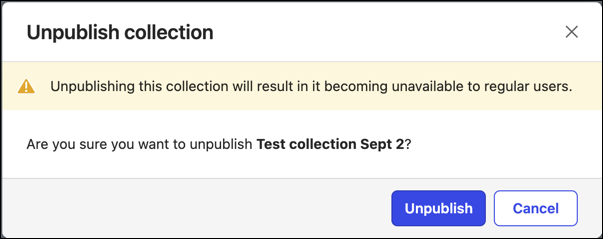
Select Unpublish. An Unpublish collection confirmation dialog displays.
Do one of the following:Select Unpublish to make the collection unavailable to users.
Select Cancel to retain the published collection.
Figure: Unpublish collection confirmation dialog