A Knowledge Collection isn’t visible to users after you create it. As an administrator, you can control when users see it.
Publishing a Knowledge Collection is a two-step process:
Save: After you've added the content and updated the Settings tab, select Save to save the collection as a draft.
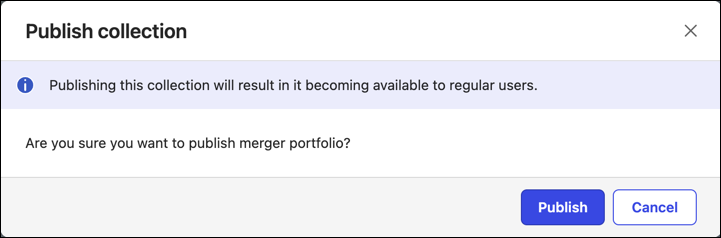
The system displays a “Collection successfully saved” message.Publish: Select Publish to make the collection available to users. A Publish collection confirmation dialog displays.
Do one of the following:Select Publish to make the collection available.
Select Cancel to leave the collection in draft state.
Figure: Publish collection confirmation dialog
Understanding the difference between Save and Publish, and when to use these options, ensures that you don't share a collection before it's ready.