Overview provides you with an overall summary of the document and chronology provides a timeline of the key dates of the events for the document. To generate the overview or chronology of the document:
Browse and access Ask panel. For more instructions on how to access Ask, refer to Access Ask panel.
In Ask panel, select the document or documents for which you want the overview or chronology.
If no document is selected, you will be prompted to select one when you try to generate overview or chronology.Select Overview or Chronology to view the overview or chronology of the selected documents. You can select these options either on Ask page or in More options.
The overview or chronology of the selected documents is displayed as shown.Figure: Overview of the document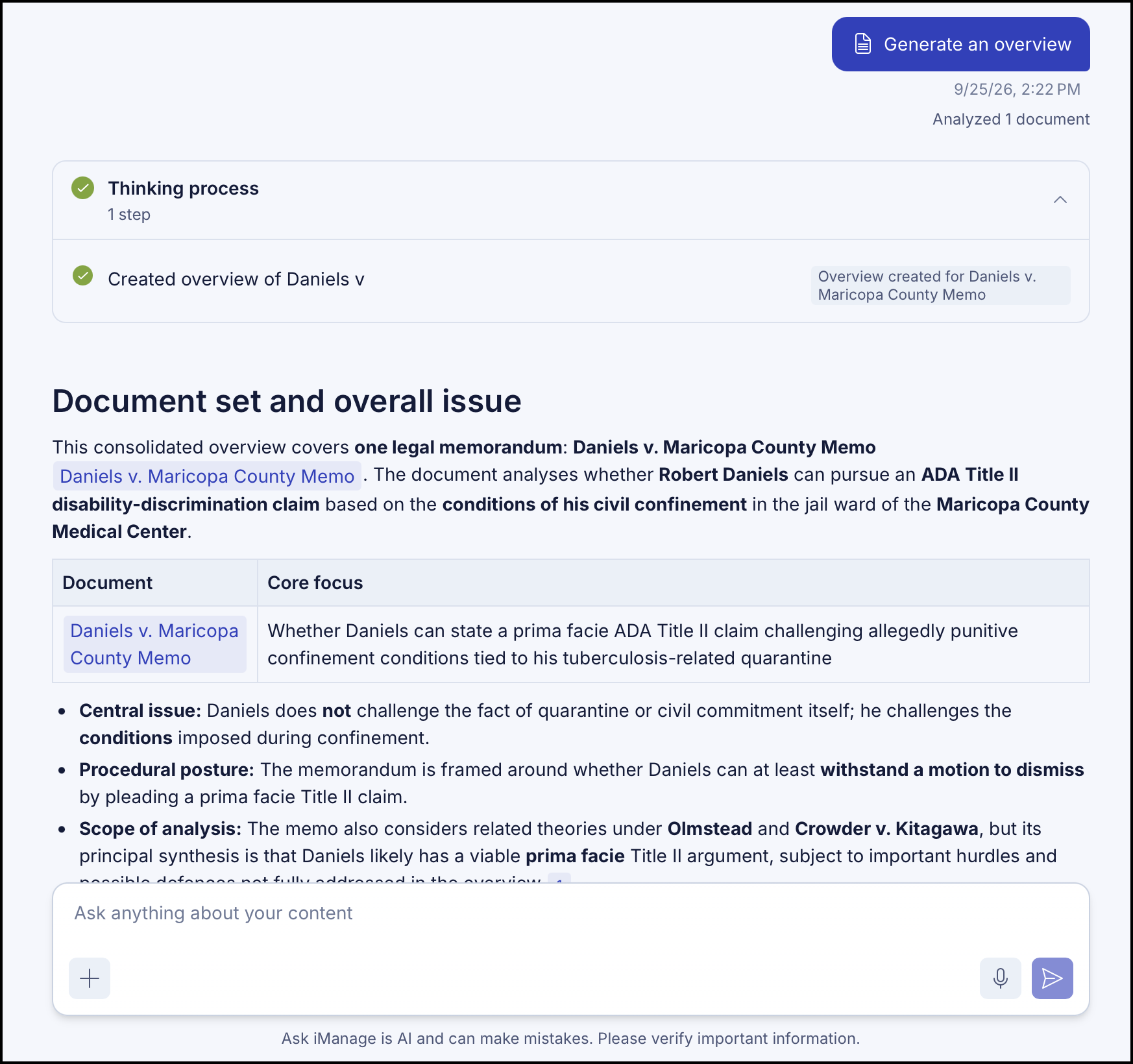
NOTE: Ask is AI and can make mistakes. Please verify important information.