The External Metadata Importer Notifications setting sends email notifications when there is a problem ingesting external metadata. Notification content includes the time the last update was performed on the system (or time now if this isn’t available) and additional details on why the failure occurred.
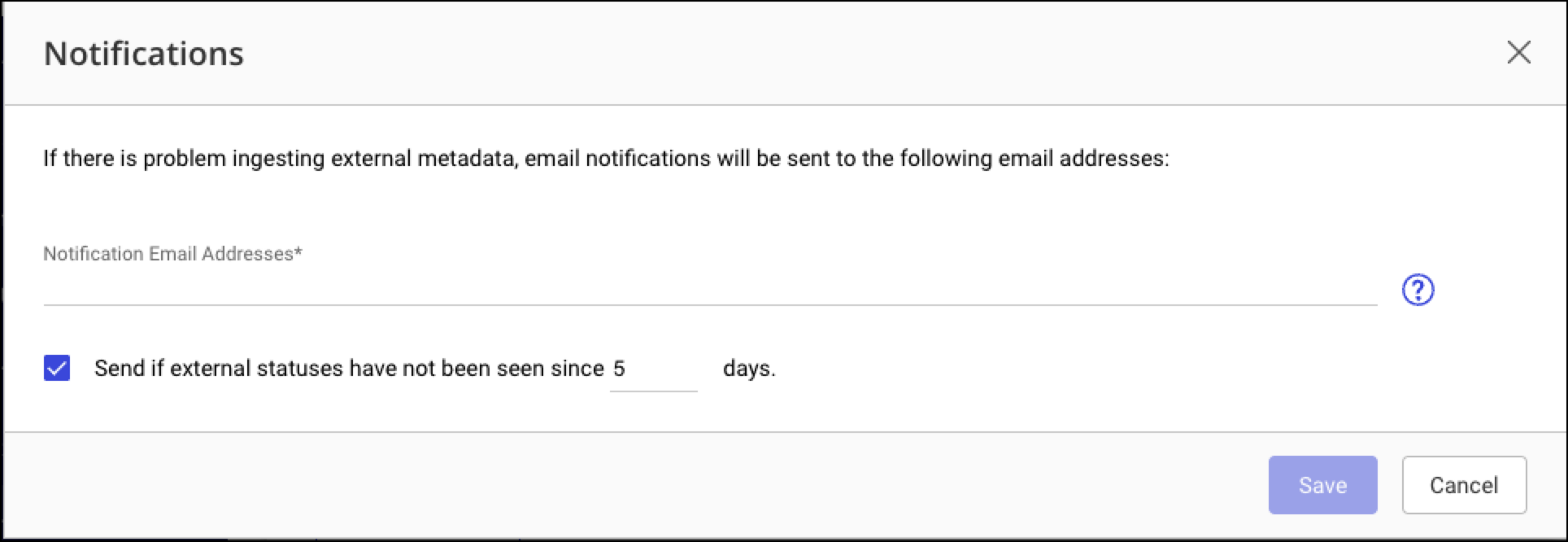
An additional notification can be configured to send if external statuses have not been seen for a specified number of days. This notification is sent when the iManage Threat Manager server detects that the external system’s last-accessed time is before the time period specified. Detection of inactive external systems is performed every hour on the hour, but notifications of this type are sent once a day.
Task: Enable and configure external metadata importer notifications
Follow this procedure to enable notifications and configure the notification settings:
In Configuration > Settings > System, scroll down to External Metadata Importer Notifications.
Set the slider to On. The Notifications dialog opens.
Enter the Notification Email Addresses as a comma-separated list.
The Send if external statuses have not been seen since [X] days check box is selected by default. To change the period, enter a new value in the days field.
Select Save.