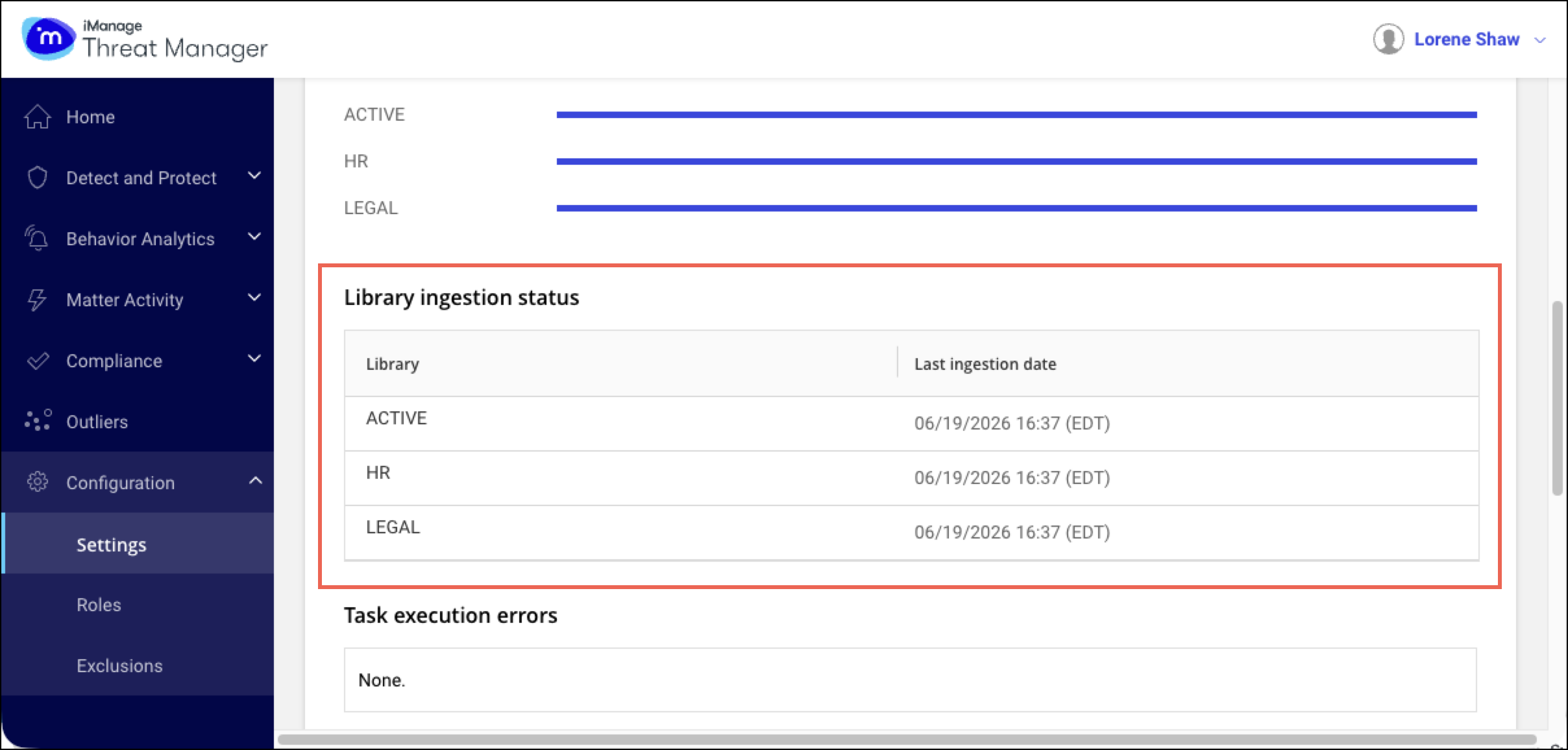
On the Configuration > Settings > System page, the Library ingestion status section displays the last ingestion date for libraries. The date in this section corresponds to the time zone of the user’s browser. The last ingestion date is the last date when audits were retrieved from iManage Work. If this date is more than two hours old, ingestion may have stopped or stalled and requires investigation.
Figure: Settings > System > Library ingestion status