iManage Collaboration Links require iManage Work Next Generation Co-authoring to be configured and deployed in your environment.
So, all documented iManage Work Next Generation Co-authoring prerequisites apply. For more information, refer to the Prerequisites section in iManage Work Next Generation Co-authoring Help.
In addition, iManage Collaboration Links has the following prerequisites:
Collaboration Links must be enabled and configured by your administrator in iManage Control Center.
If your organization uses IP Allow list, then you can't use iManage Work Next Generation Co-authoring and thus can't use Collaboration Links even as recipient.
To share, edit, and remove collaboration link documents on iOS devices, the iManage iOS build 10.24.2 or later is required.
iOS build reference: iManage Work 10 Mobility, iManage Work 10 for Intune, iManage Work 10 for Ivanti; and iManage Work 10 for Blackberry 10.24.2 or later.To send, edit, and remove links, users require Read/Write or Full access to a document.
Link recipients who are iManage customers must also have the following iManage web extensions enabled in iManage Control Center:
Microsoft 365 for the desktop: Required to co-author files using the Microsoft 365 applications for the desktop.
Microsoft 365 for the web: Required to co-author files using Google Chrome, Microsoft Edge, or Safari.
Microsoft 365 for mobile: Required to co-author files on iOS and Android devices.
If an iManage user receives a link from another iManage user in a different organization, and they don’t have Next Generation Co-authoring enabled in their home tenant, they’ll receive the following error when attempting to edit the document using Microsoft 365 for web, desktop, or on an iOS device.
Figure: Error when co-authoring isn't available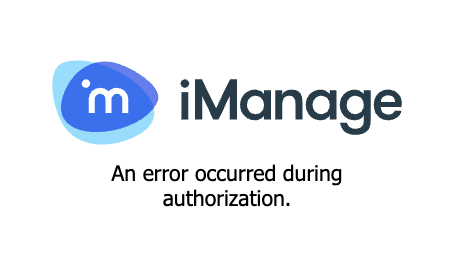
In this case, the iManage user link recipient can download the document, even though co-authoring isn't available.