To renew an expired collaboration link, update its expiration date. The original list of users and their access levels remain unchanged.
Expired links are identified by a unique :Collab_link_expired: icon, displayed next to the shared documents up to seven days after the link expires. You can also select up to five documents to renew them simultaneously.
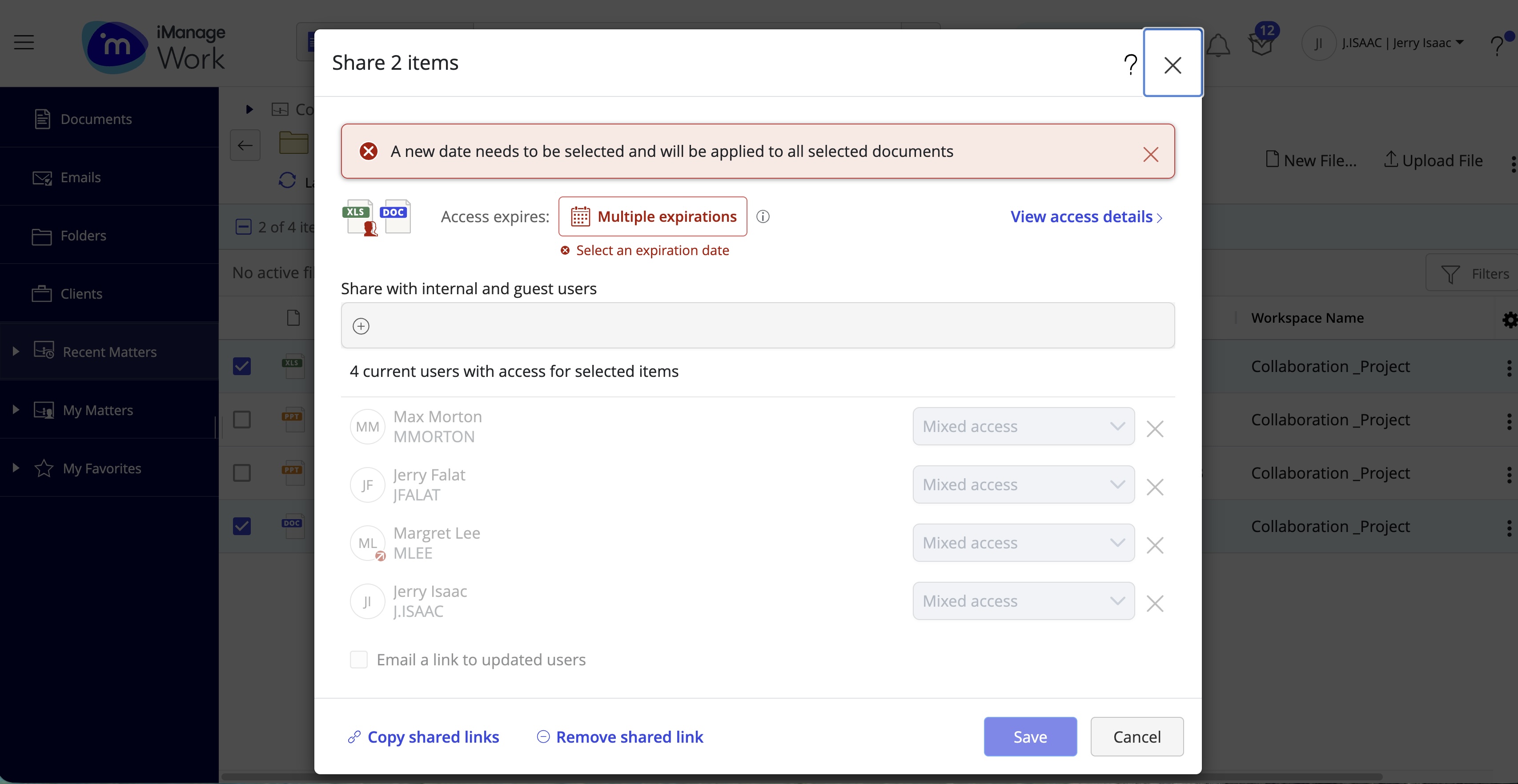
When renewing the links to multiple documents in a single action, you’re alerted if there are multiple expiration dates.
Figure: Alert for multiple expiration dates
You can renew an expired collaboration link using one of the following methods:
TIP: If you wish to share the document with a new list of users, select Remove All, and then add the list of users.