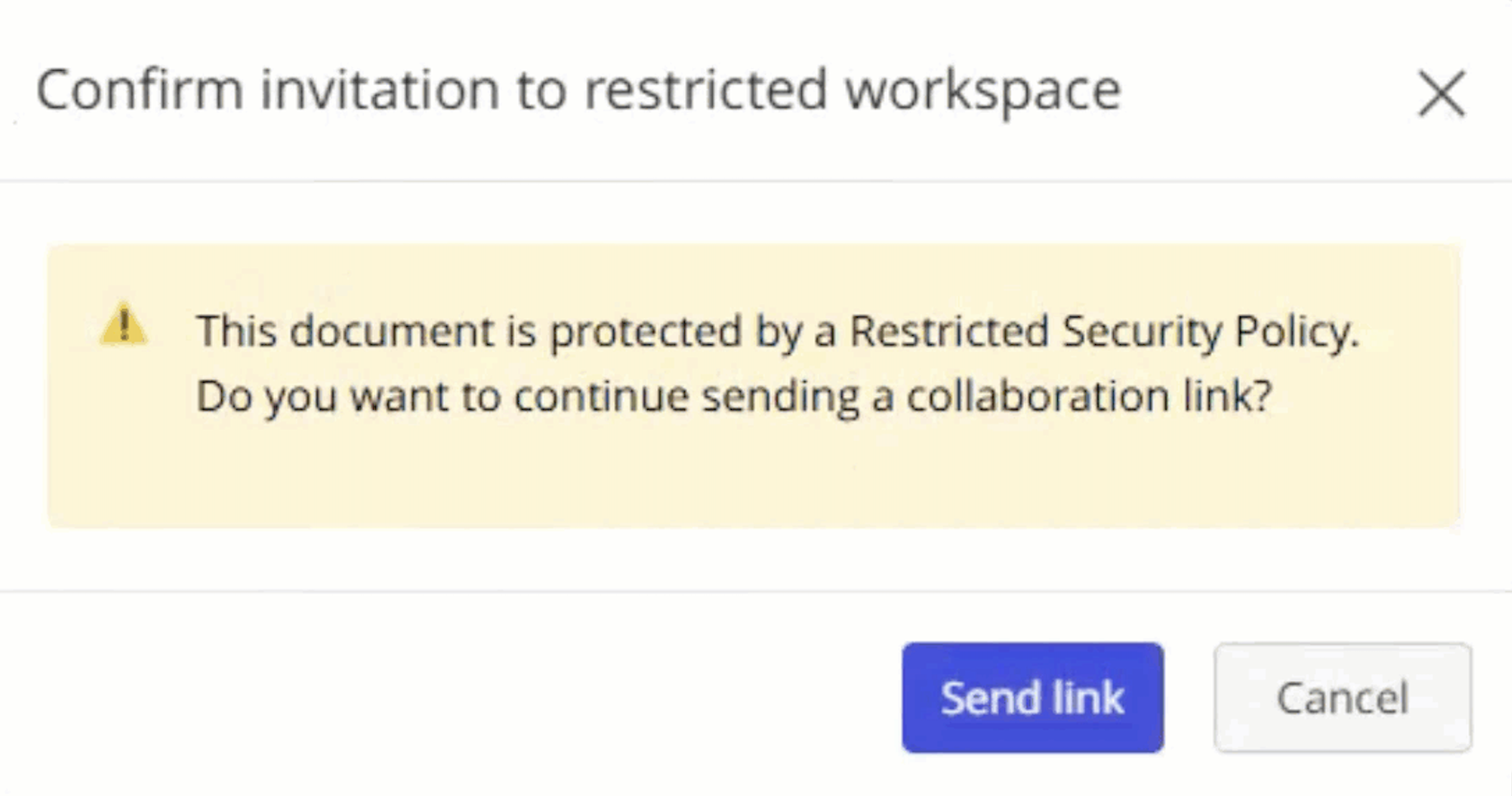
If iManage Security Policy Manager is enabled in iManage Work, documents you choose to share will be protected by one of the following types of policy:
Open: Matters protected by this policy allow all documents under the policy to be shared with any user for collaboration.
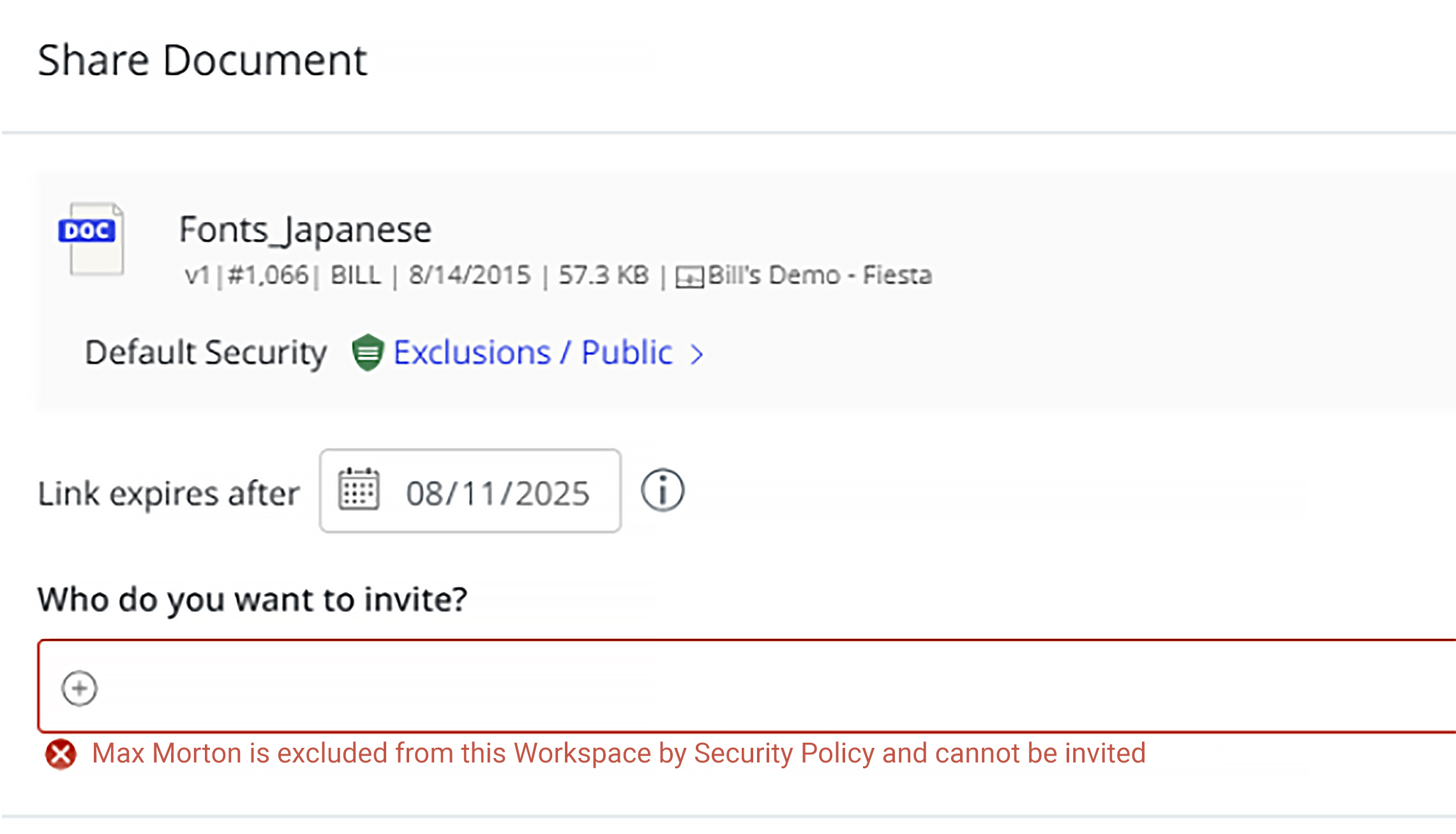
Open with exclusions: Matters protected by this policy allow all documents under it to be shared with any user except the ones who are excluded by SPM (Conflicted Users). When you try to add such users, a message advising that the user can't be invited because they are excluded is displayed below the Who do you want to invite field.
Restricted: Matters protected by this policy allow all documents under it to be shared with any user for collaboration, but display a warning message about workspace restriction after Send Link is selected.