You can receive notifications about new tasks by turning on notifications for the browser you’re using.
NOTE: The compatible browsers are Google Chrome and Microsoft Edge Chromium.
Google Chrome
Turn on browser notifications for the first time
To turn on notifications from the checklist view or My tasks view, select the Turn on button on the right side of the notification bar. Alternatively, select the notification preference link on the notification bar.
In the Notification preferences page, select Turn on task notifications.
Figure: Turn on task notifications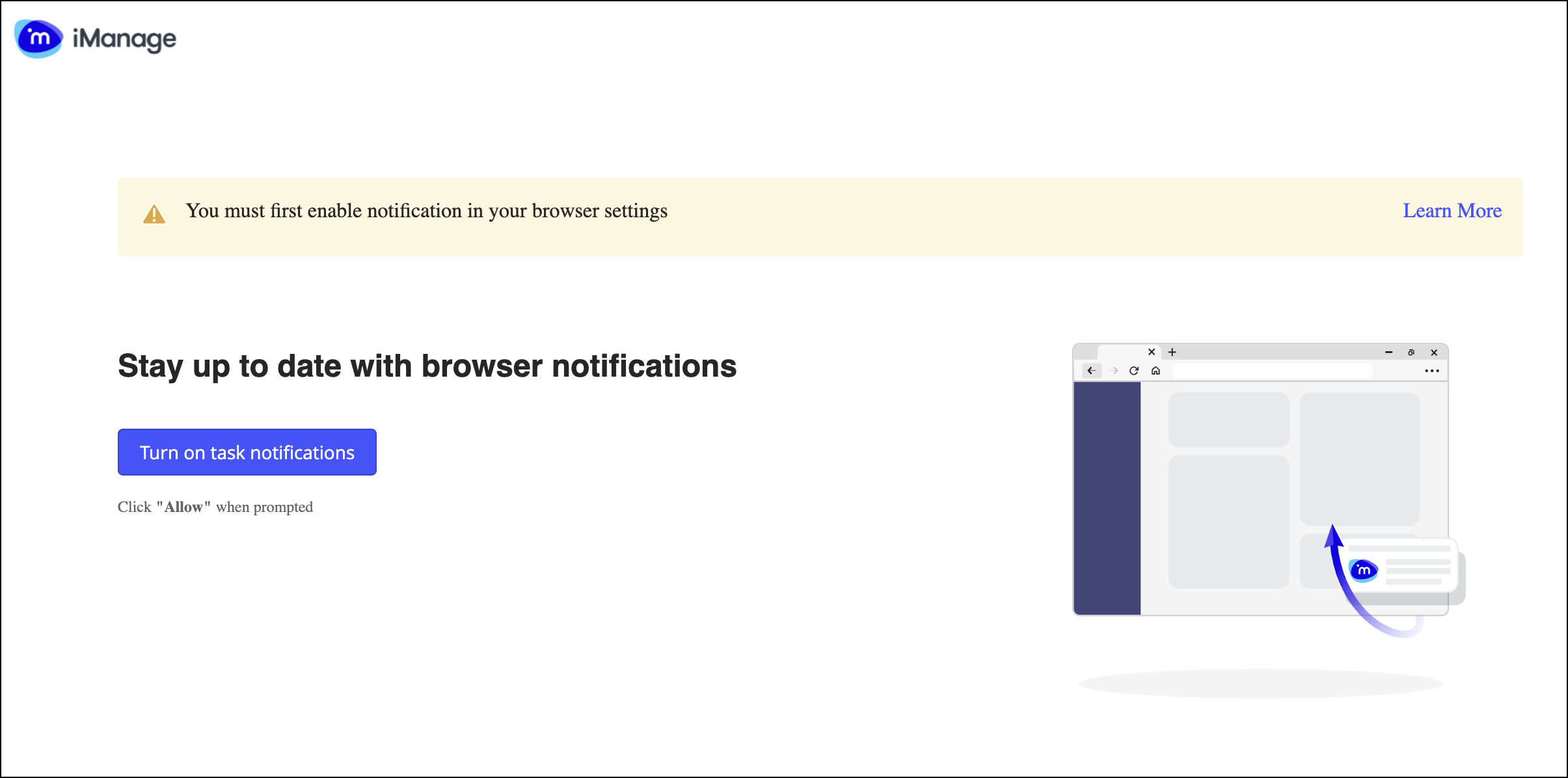
Turn on browser notifications
Browse to the Notification preferences page.
Select the Task assigned to me toggle.
Figure: Turn on notifications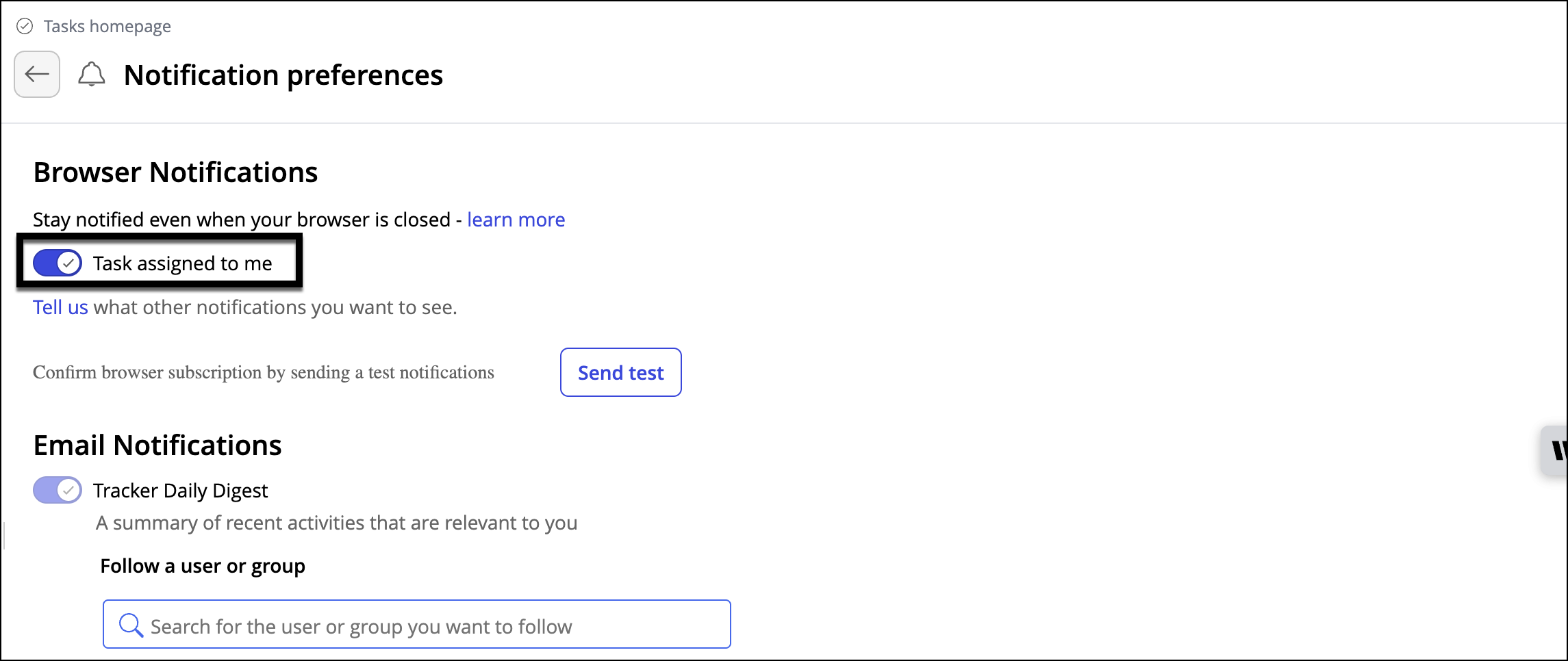
Turn off browser notifications
On the Notification preferences page, slide the Task assigned to me toggle to turn off browser notifications.
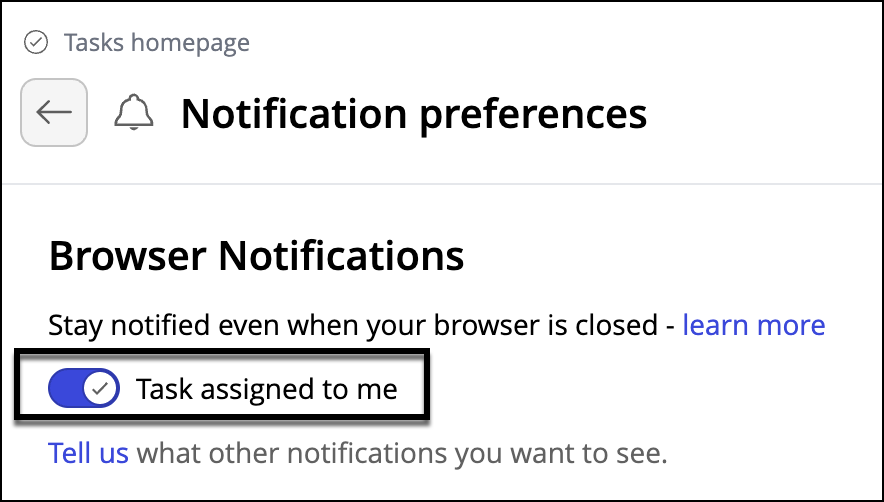
NOTE: To check if you’re receiving browser notifications, select Send test notification in the notification preference page.
Edge Chromium: Turn on browser notifications
To turn on notifications from the checklist view or the My tasks view, select the Turn on button on the right side of the notification bar. Alternatively, select the notification preference link on the notification bar.
Select the lock icon on the URL bar.
Select Permission for this site menu option.
From the Notifications drop-down list, select Allow.
Select the Refresh button.
To receive notifications, slide the notification toggle.
Figure: Edge Chromium browser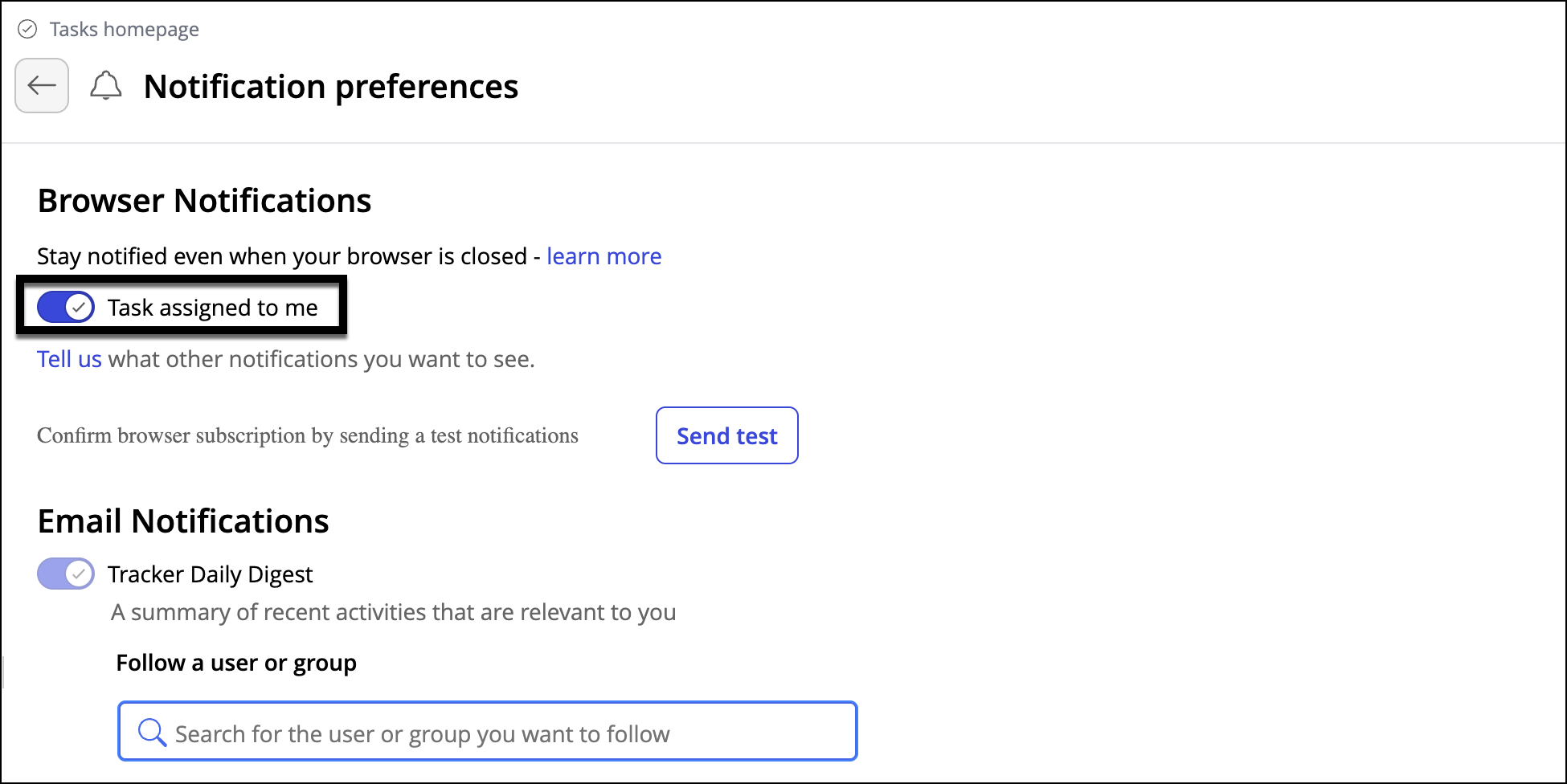
Safari on iOS device: Turn on notifications
NOTE: Users can subscribe to notifications from the app and not directly from the Safari browser.
At the end of the Safari browser window, select the
 icon at the bottom of the Safari browser window.
From the menu, select Add to Home Screen.
On the right side of the screen, select Add.
Figure: Add option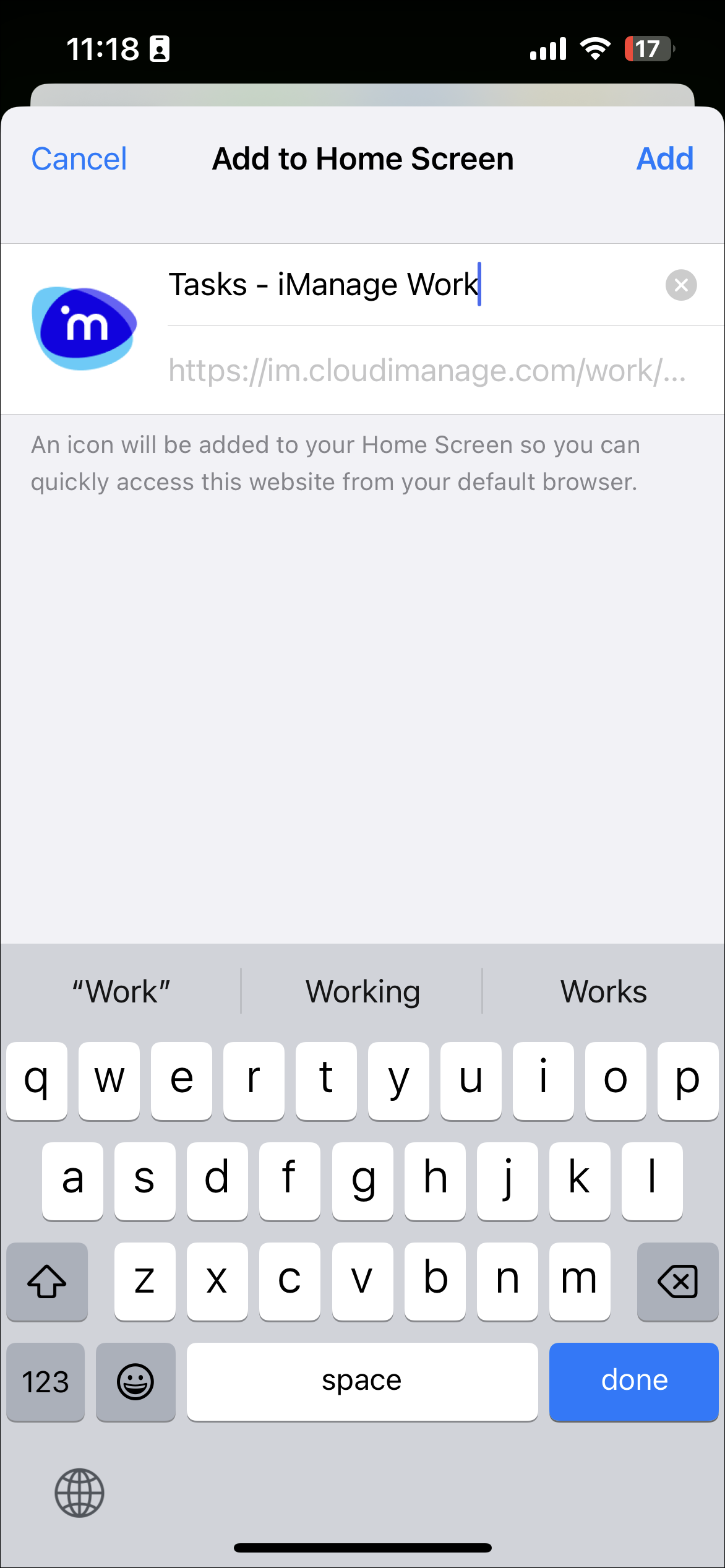
Open the Tracker application from the home screen and subscribe to the notification in the Notification preferences page.