You can open agreements in Adobe Sign in one of the following ways.
General view
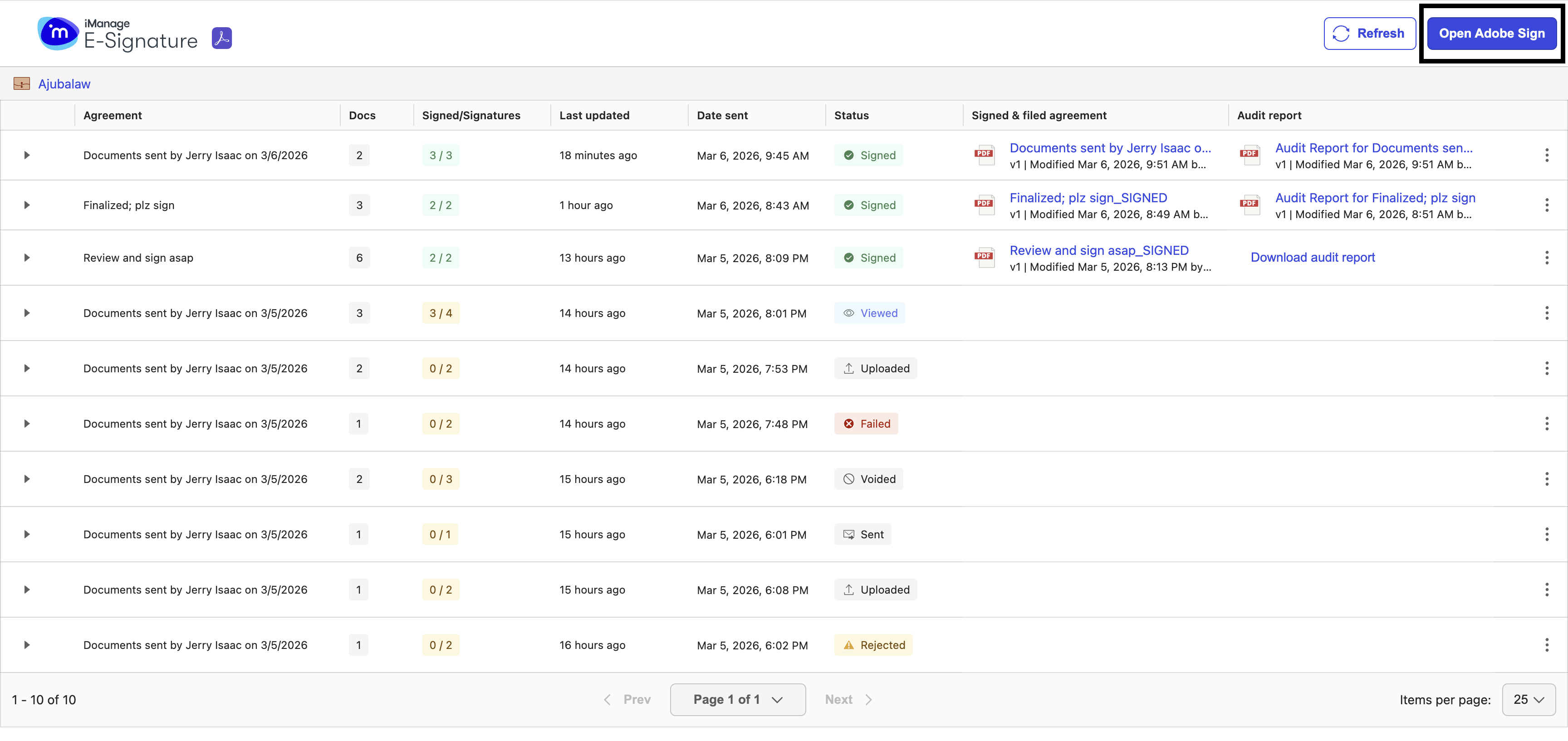
To view all agreements sent for signing in Adobe Sign, select Open Adobe Sign in the top-right corner of the E-signature dashboard. For more information, go to https://helpx.adobe.com/in/sign/using/manage-documents-sent-for-signature.html.
Figure: General view - Open Adobe Sign option
Envelope view
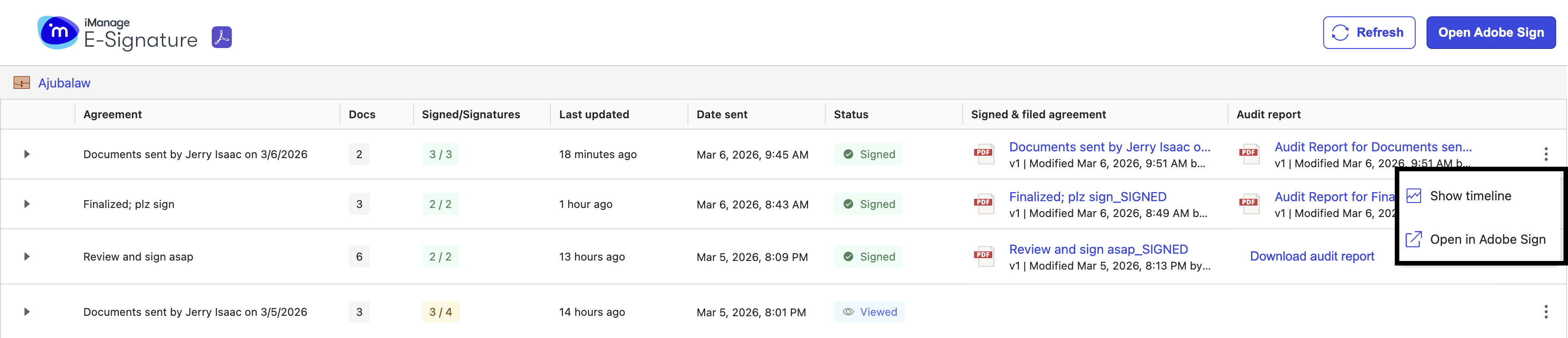
To view the details of a particular agreement in Adobe Sign, select the three dots  icon on the right side of the agreement row you want to open and select Open in Adobe Sign from the menu. For more information, go to https://helpx.adobe.com/in/sign/using/manage-documents-sent-for-signature.html.
Figure: Agreement view - Open in Adobe Sign option