If you want to exclusively check out the document when editing it in iManage Work Desktop for Windows, you have to turn off the Co-author toggle in iManage ribbon. Then, the red globe icon is replaced with a lock
icon next to the file.
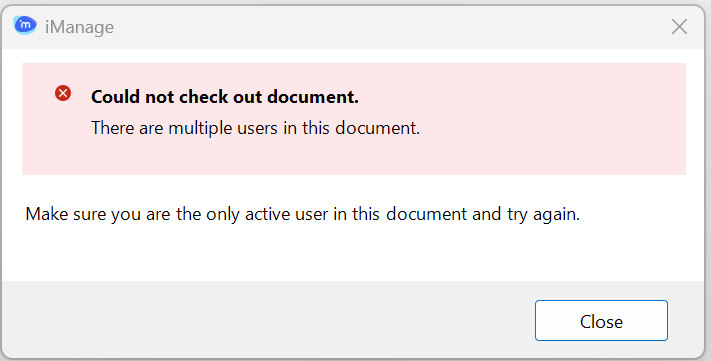
However, if other users are co-authoring the document at the same time, you can't turn off the Co-author toggle. Trying to turn it off displays the following notification.
Figure: Notification when multiple users are co-authoring