After applying holds to a workspace, folder, or subfolder, you can view them in the File Plan by browsing to the respective workspace, folder, or subfolder and checking the Holds  icon next to it.
Figure: View the holds applied

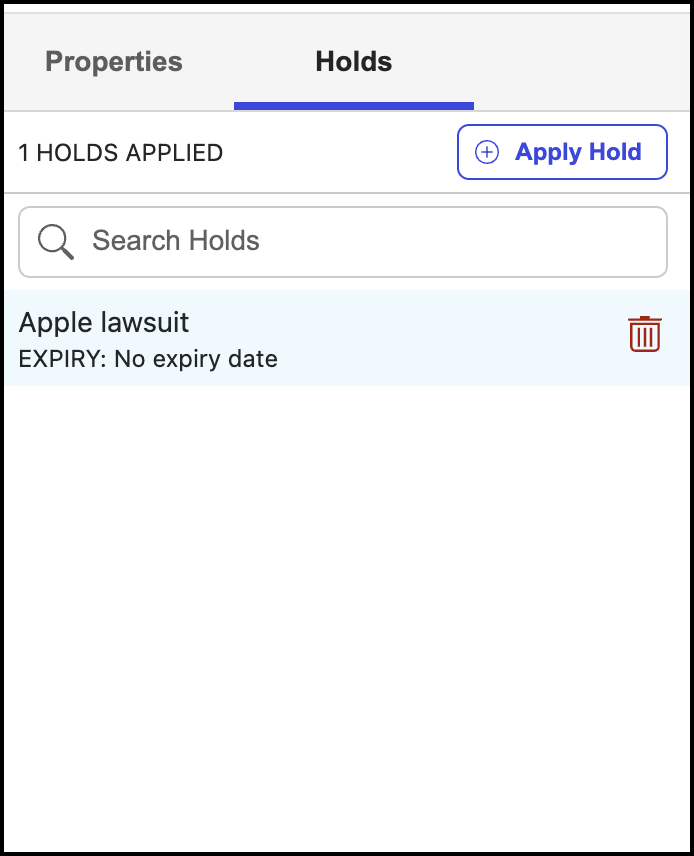
To view the details of the hold applied, select  next to the workspace, folder, or subfolder to which the hold is applied and then select Properties > Holds. The details of the hold applied are displayed as shown in the following figure.
Figure: Details of the hold applied