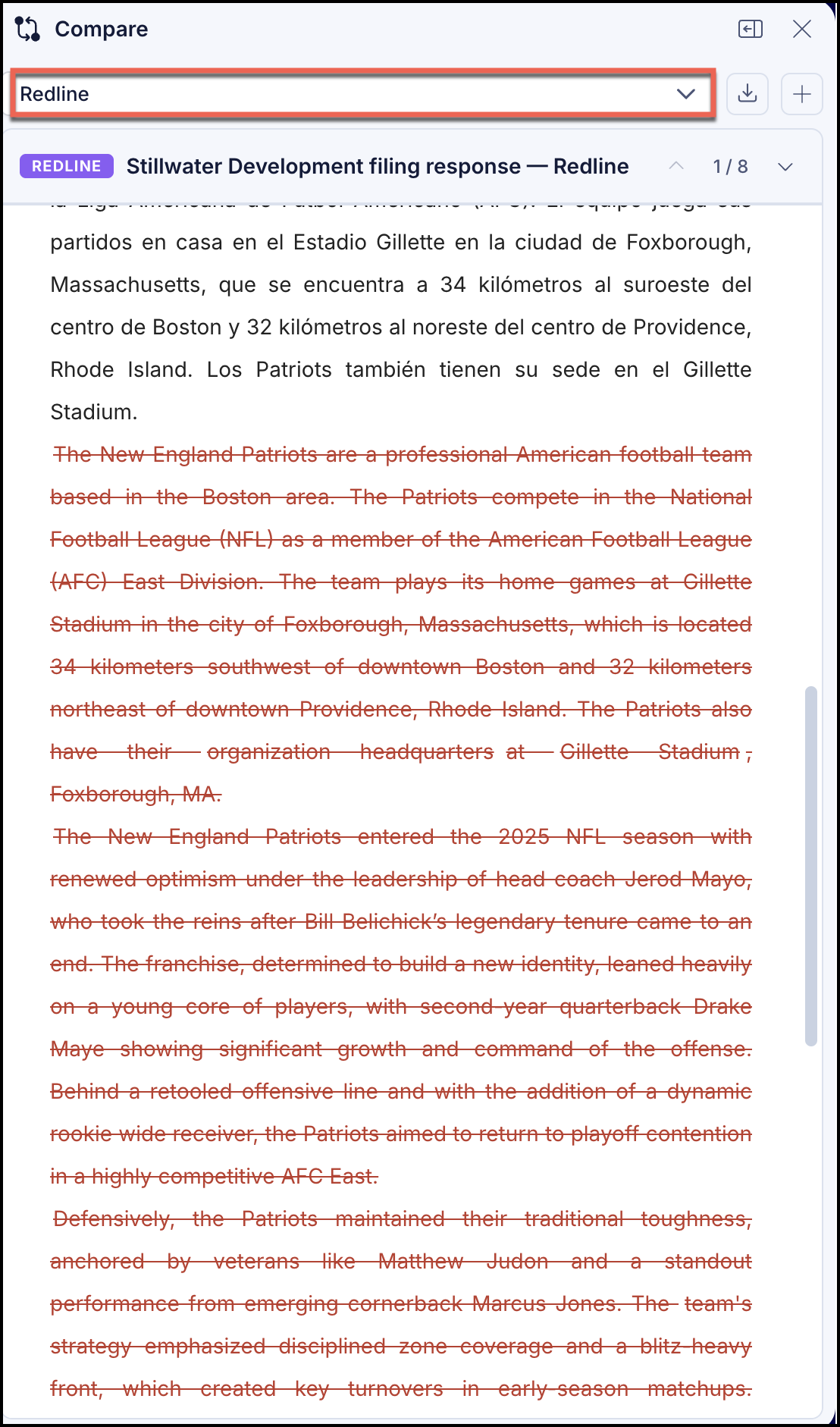
When you compare two document versions, the redline analysis displays by default in the Compare panel after the comparison is done. Alternatively, you can view the changes in track change mode by selecting Redline from the drop-down.
The redline analysis displays,
Additions as underlined or highlighted insertions.
Deletions with strikethrough formatting.
Repositioned text and formatting adjustments with highlights.
Use the up and down arrow keys to browse through all redline analysis of the document comparison.
Figure: Redline analysis