After metadata is imported, Threat Manager applies it to users following certain rules. This section describes how metadata behaves, when new users are created, and where metadata appears in the UI.
When metadata is imported for a user who already exists in iManage Threat Manager, the new metadata is added to their existing details.
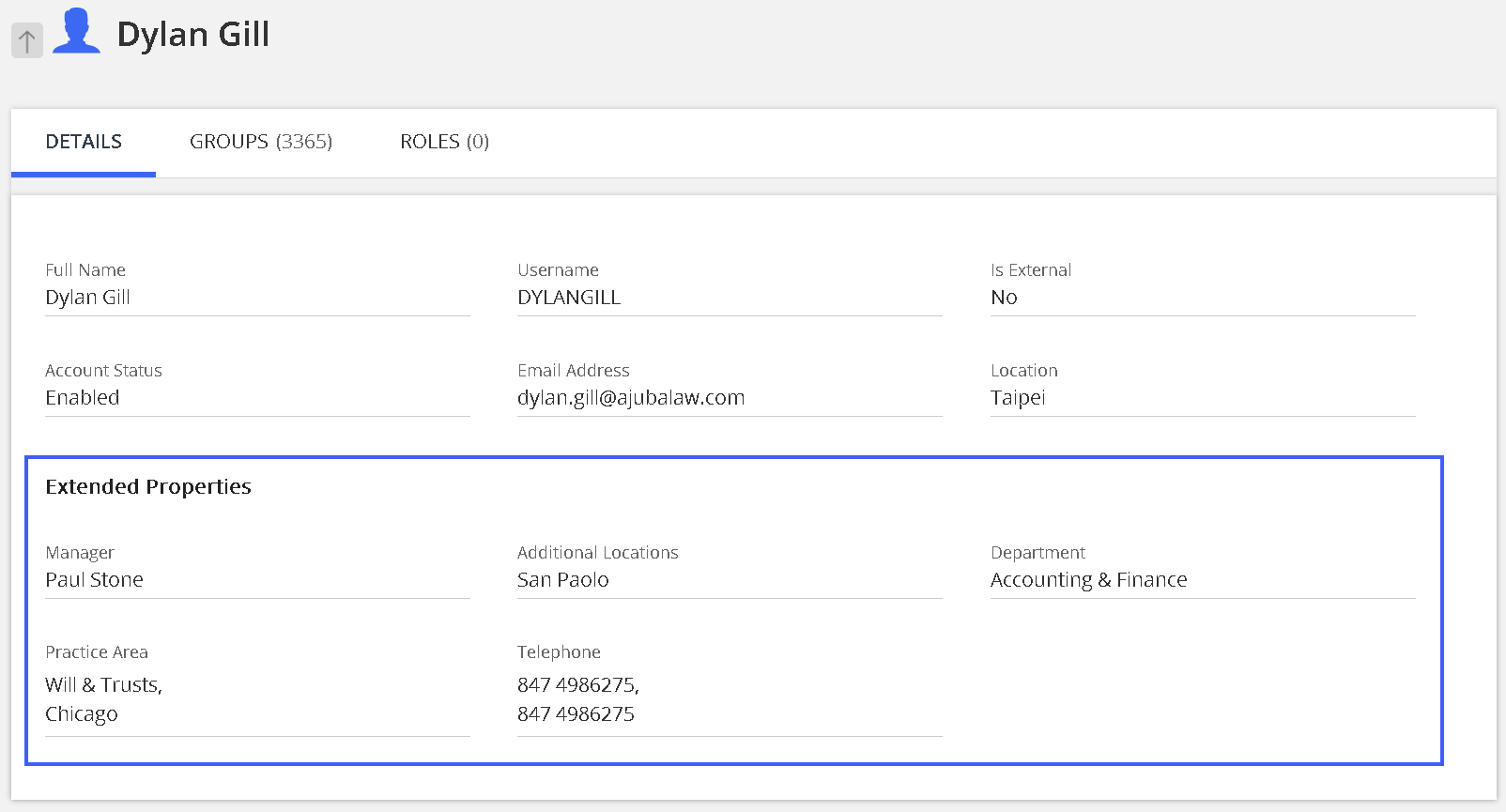
If metadata is imported for a user who doesn't exist in iManage Threat Manager yet, a new user record is created with the following properties:
Account status: Disabled
Library linkage: Not linked to any iManage Work libraries
If that user is later ingested from iManage Work (that is, added through ingestion), the user record is enabled, and the previously imported metadata is automatically applied. Matching is done using the userid.
Additionally, imported metadata fields are shown in the user card tooltip when viewing an alert page on the Alert List.
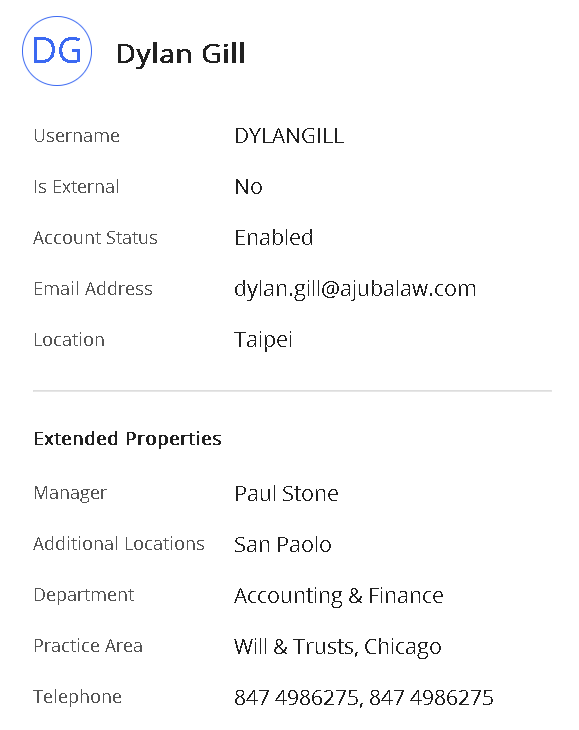
For more information, refer to Using the Detect and Protect Alert List and Behavior Analytics Alert List in iManage Threat Manager Help.