The Web Client page contains the following tabs for configuring iManage Work Web:
Changes to these settings are automatically refreshed every five minutes in Work Web.
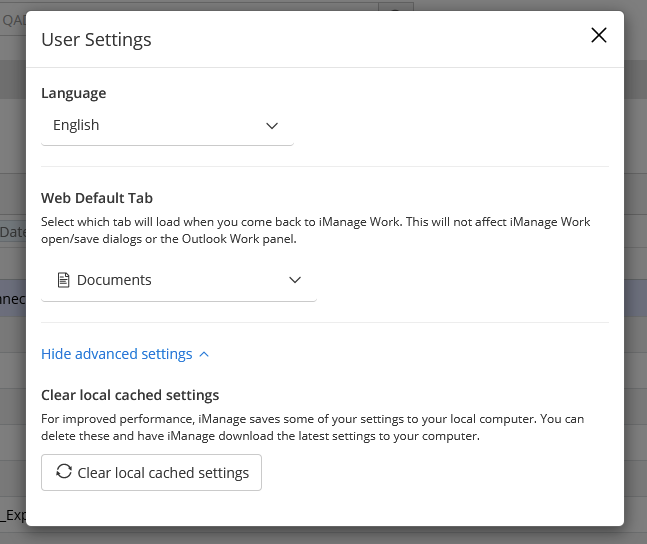
To manually refresh these settings, users can clear their local cached settings in Work Web by selecting their User Profile menu, and then selecting User Settings > Show advanced settings > Clear local cached settings.
Figure: User Settings > Clear local cached settings